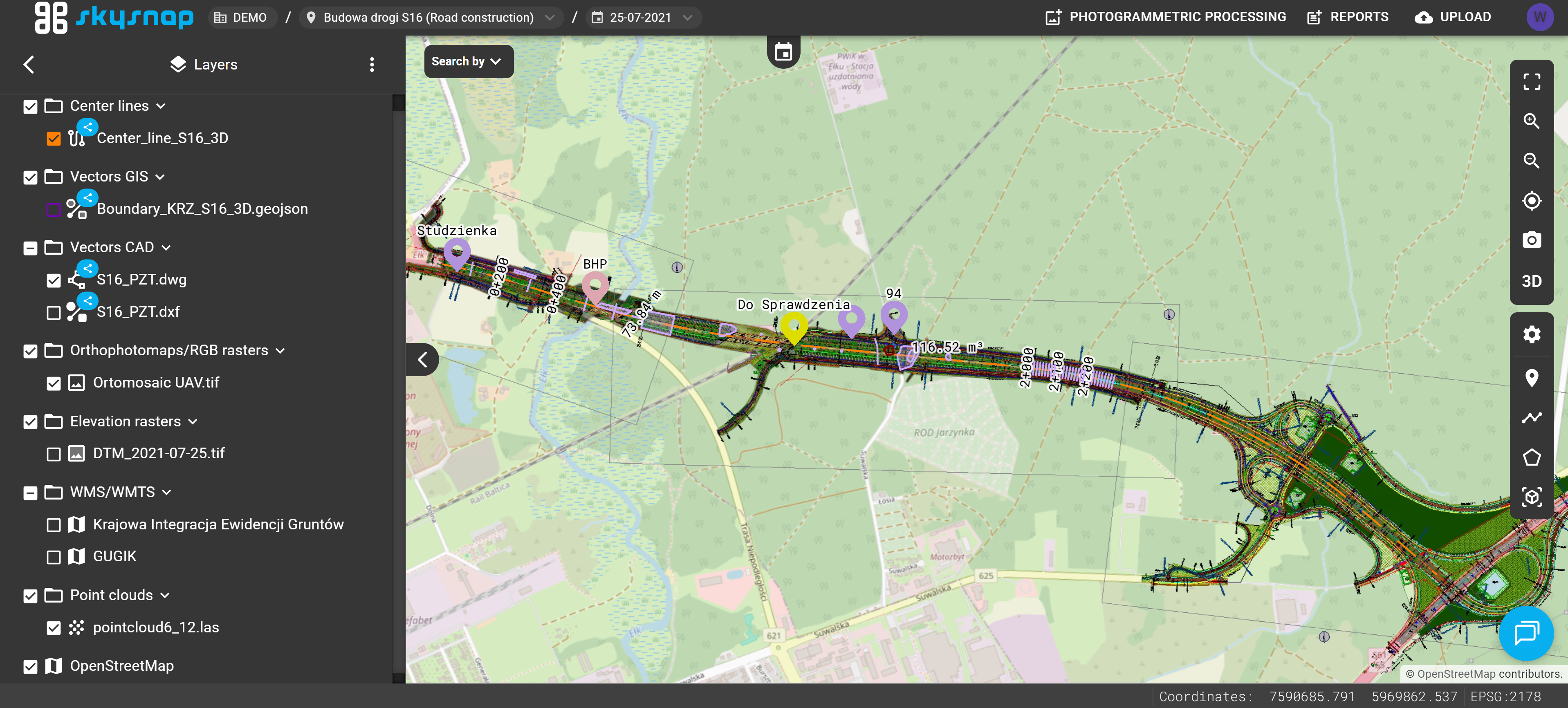
If you have already created a site and a project, you can proceed to uploading data to the portal. However, before doing so, please read the basic information regarding this topic.
Table of Contents:
Email Notification About File Import Status
Elevation Raster | Orthophotomap/RGB Raster
Example of Uploading Data to the Portal
Data Upload Levels
You can upload your investment data into two management levels. These are:
-
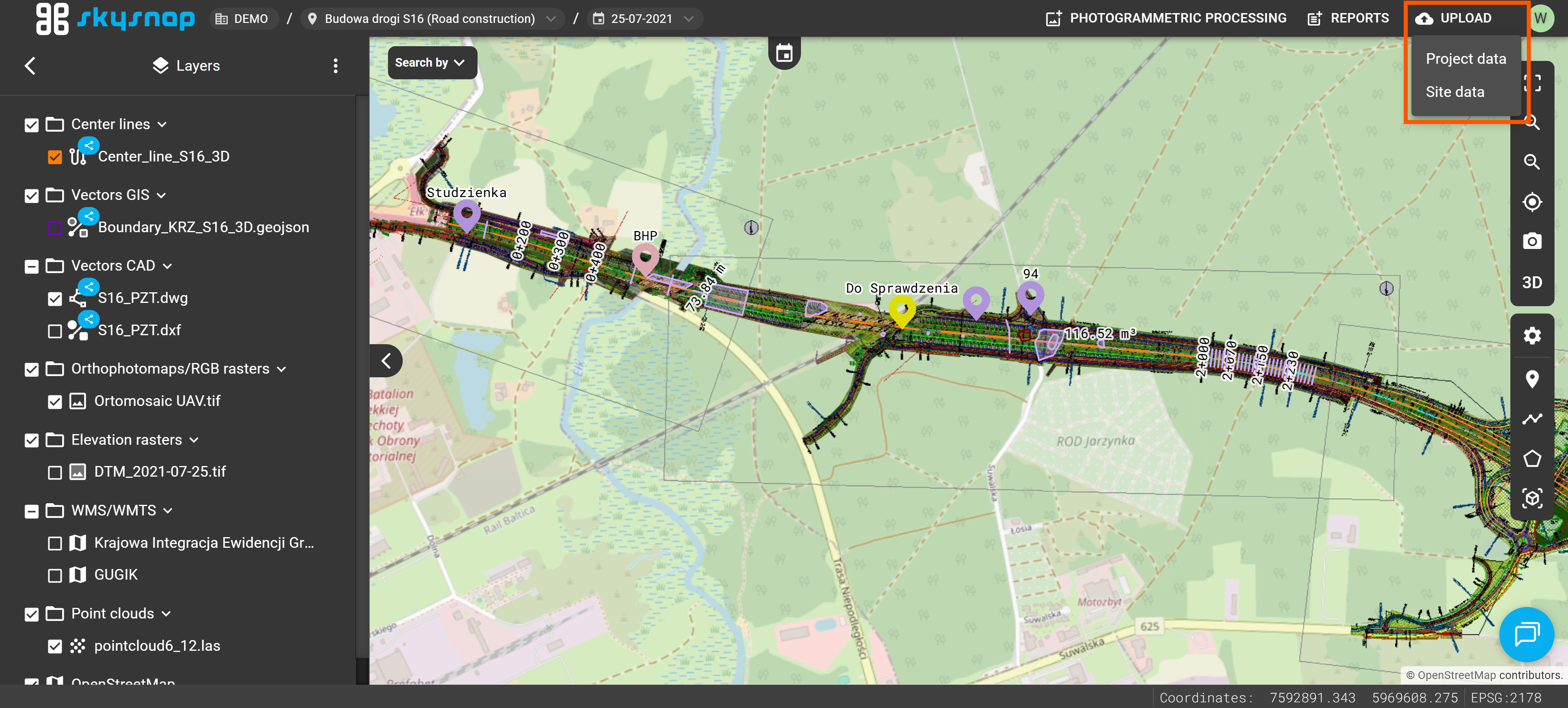
PROJECT LEVEL – includes data unique to a specific measurement (date). It will be visible only within the selected project.
Example: An orthophotomap generated from photos acquired on 05.05.2025 (current for that specific day). - SITE LEVEL (Shared) - permanent data (current throughout the entire duration of the investment). It will be visible across all projects within the investment.
Example: A building CAD design prepared before the construction work began.
Data can be added to the portal from the top bar in the project view.
In the left layers panel, the data upload level is additionally indicated visually. Data uploaded at the site level has a blue icon next to its name, indicating that it is shared and visible in all projects within that investment. Data added at the project level does not have this marker.
Data Upload Window
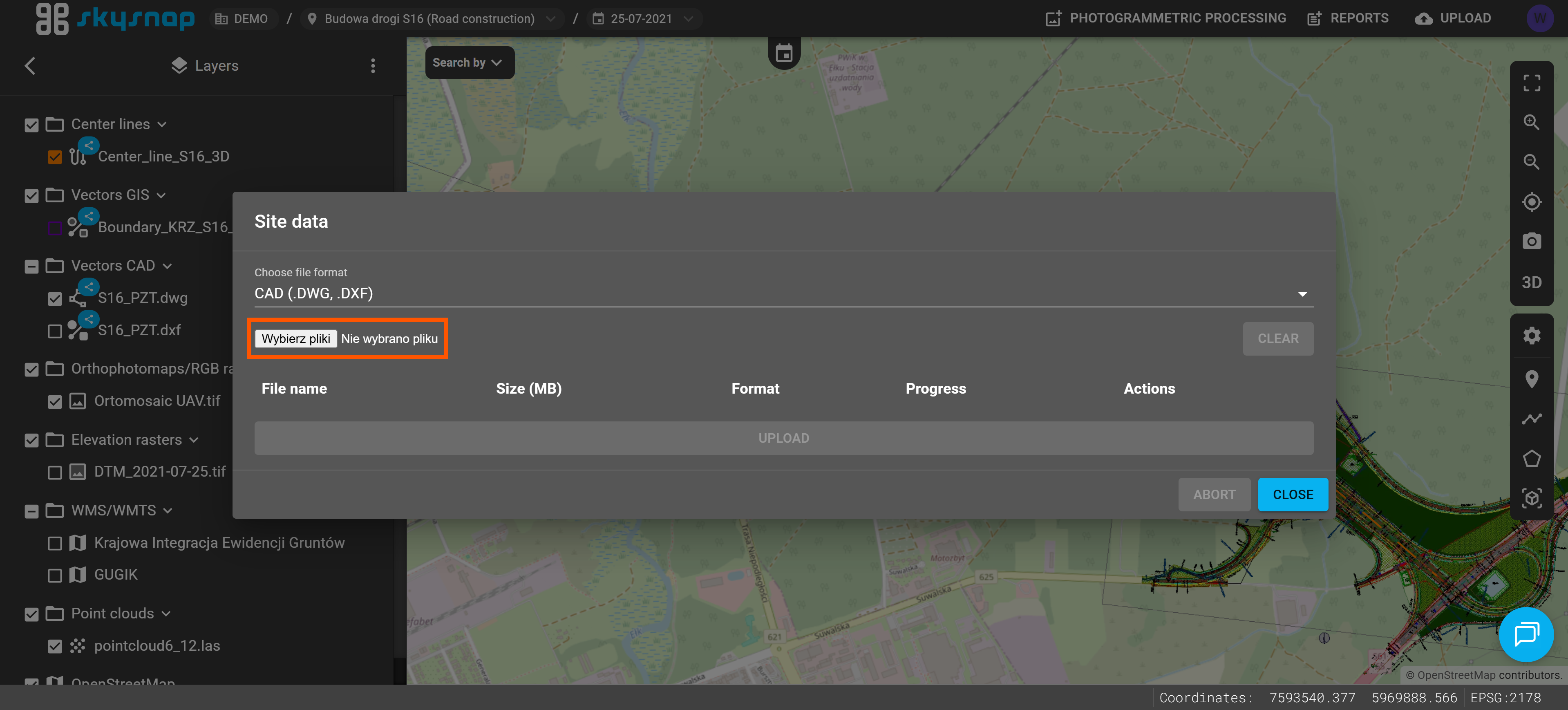
After selecting the data upload level, the import window will open. The illustration highlights its key elements:
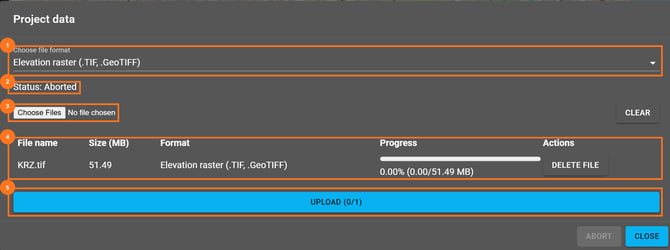
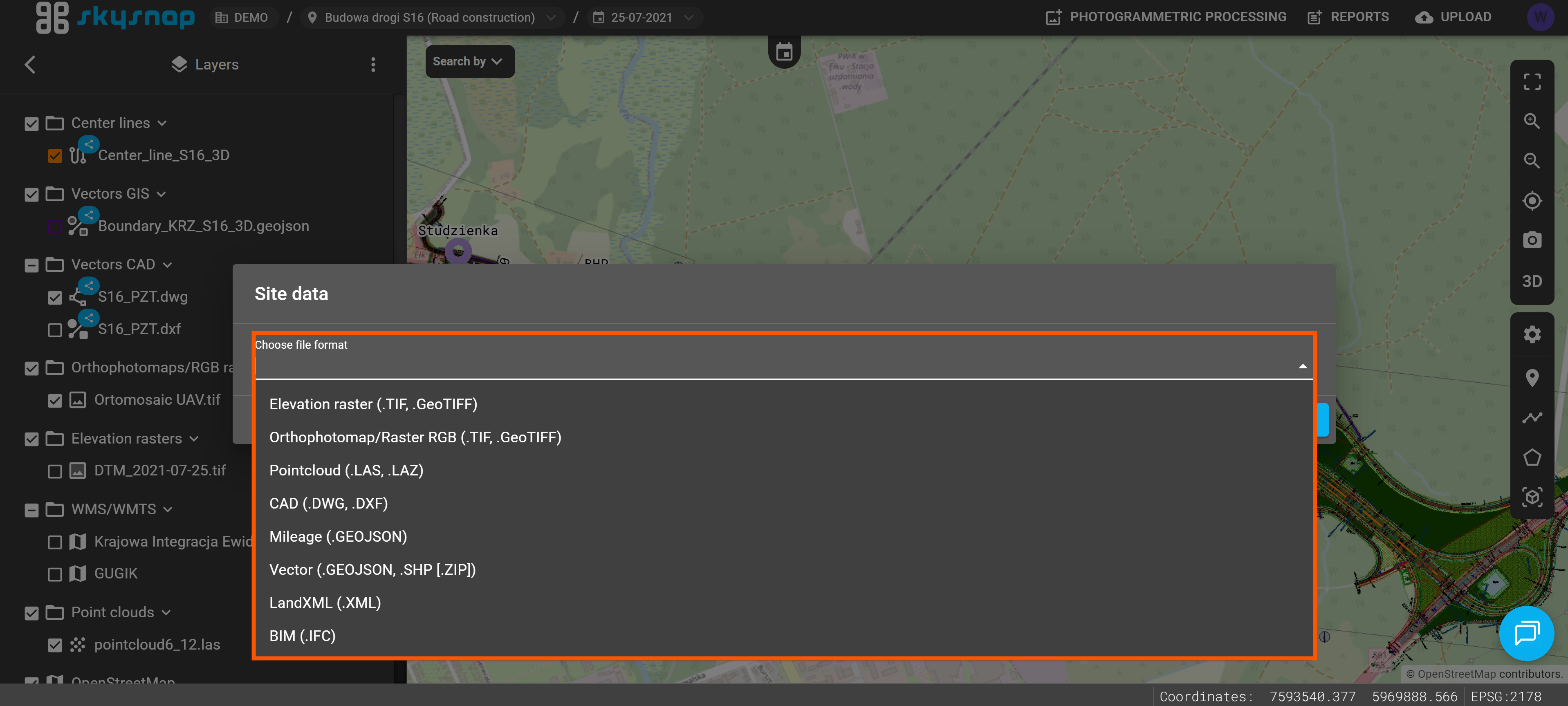
1. Data File Format – select the type of data you want to add to the portal. You can find the available data types in the "Supported Data Types" section.
IMPORTANT: Select the correct data type before starting the import. Choosing an incorrect type may prevent the file from being processed correctly and used in the portal.
2. Data Upload Status – a message informing you of the current file import status.
3. Choose Files – click this button to choose the files you want to upload to the portal.
4. Selected Files List – this section displays the files added to the import queue. For each file, you can see its name, size, selected upload format, and import progress. If an incorrect file has been added to the queue, you can remove it before starting the upload.
5. Upload – click this button to start uploading the selected files to the portal.
Email Notification About File Import Status
Every file import attempt automatically triggers an email notification informing you of its status.
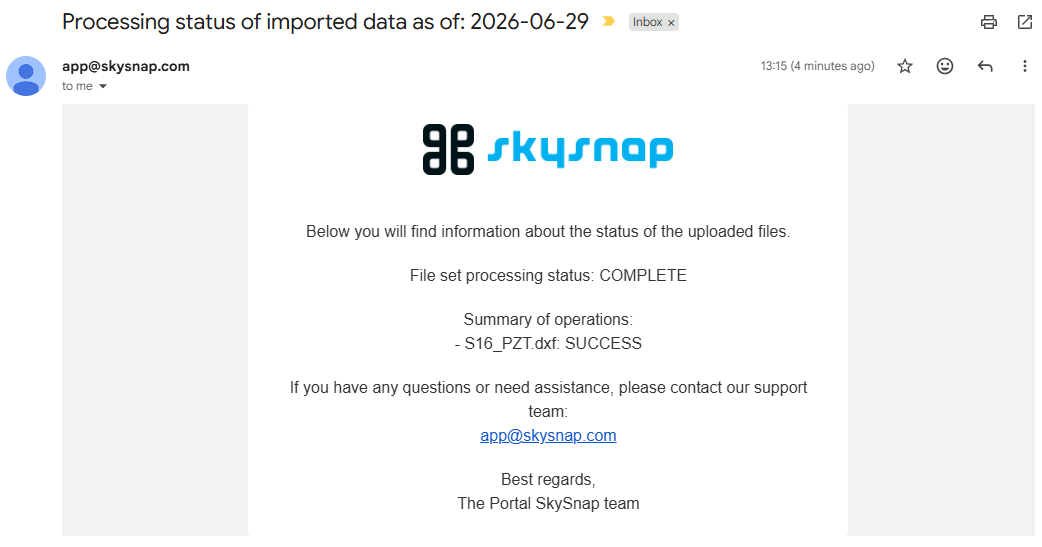
If the import fails or is only partially successful, try uploading the file again. Before retrying, make sure that the correct data type is selected in the import form.
If the import fails again, contact our team at app@skysnap.com.
Supported Data Types
Currently, you can upload data to the portal in the formats listed in the table below. The range of supported formats is being gradually expanded.
| Data Type | Extension | Maximum Size |
| Vector |
.geojson |
50 MB |
| Elevation Raster |
.tiff |
20 GB |
| Orthophotomap/RGB Raster |
.tiff |
20 GB |
| CAD |
.dxf |
300 MB |
| LandXML (Surface) | .xml | 50 MB |
| Point Cloud | .las .laz .e57 |
25 GB 5 GB |
| Photos | .jpg .jpeg .png .zip ( photos + .xml) |
50 MB |
| Photos 360° |
.jpg |
50 MB |
| BIM | .ifc | 50 MB |
| Mesh |
.b3dm ⇒ ZIP |
500 MB |
| Mileage | .geojson .kml .shp ⇒ ZIP |
50 MB |
TIP: The ⇒ ZIP notation means that the data must be compressed into a ZIP file along with all its supporting files.
*If you have a .3tz file, please contact us at app@skysnap.com — we will process it so it can be uploaded to the portal.
ATTENTION: You can only select one file type during a single upload session. Please upload the orthophotomap and the point cloud separately. In case of doubts or issues with uploading a file, contact us at app@skysnap.com.
ATTENTION: Uploaded data must be prepared in the coordinate reference system (CRS) of the investment.
Vector
Allowed formats: GeoJSON, KML, SHP (component files of the SHP format compressed into a ZIP archive).
We suggest that the file size should not exceed 50 MB. Exceeding the recommended maximum file size may cause processing issues.
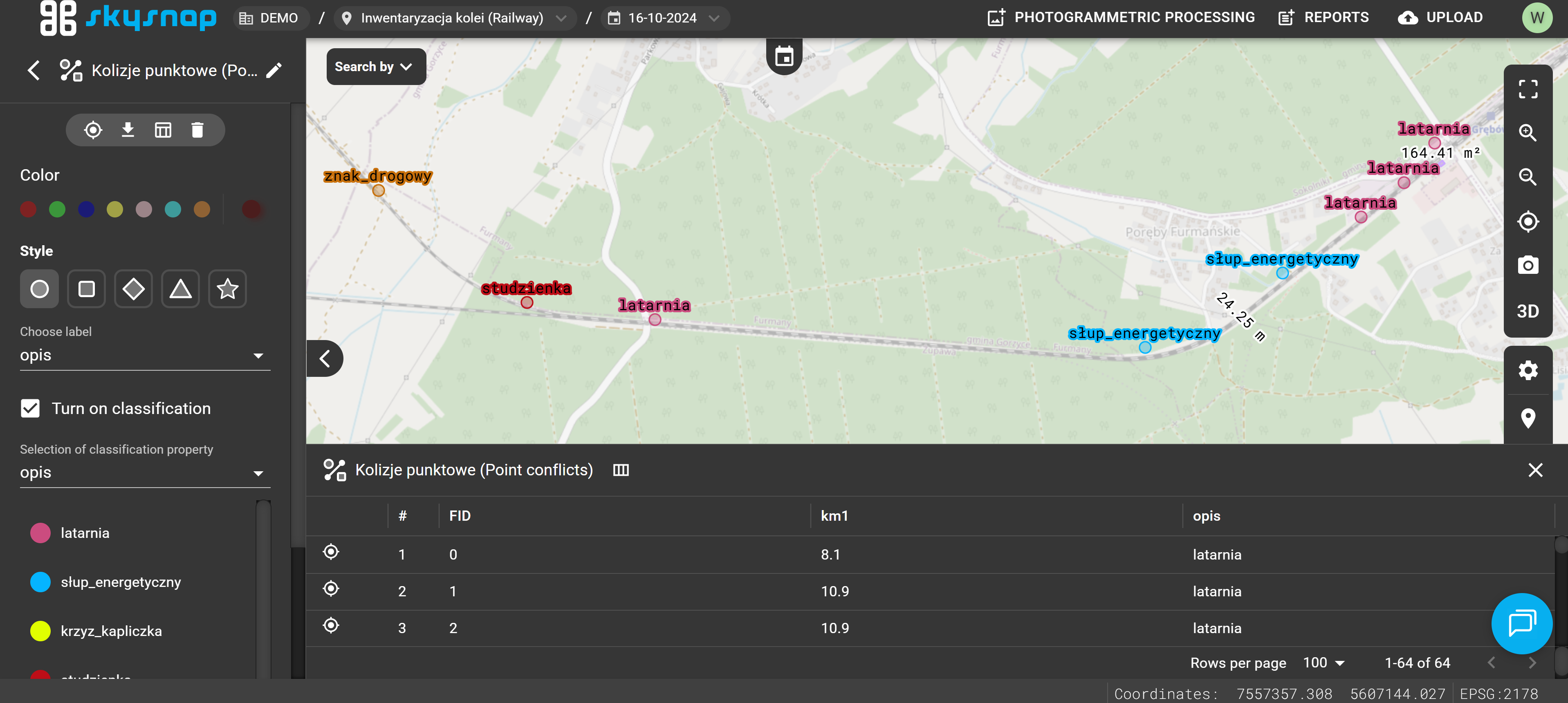
Elevation Raster | Orthophotomap/RGB Raster
Allowed formats: TIF, TIFF.
NOTE: Follow the guidelines below depending on the selected raster type:
- Orthophotomap – Red, Green, Blue, and optionally Alpha channels.
- Elevation raster – a channel containing elevation data (Float32 data type) and optionally an Alpha channel.
For very large area investments (over 1000 ha with a 3 cm pixel size) or linear investments (over 5 km in length with a 3 cm pixel size), we recommend dividing the rasters into smaller parts. We suggest that the file size should not exceed 20 GB.
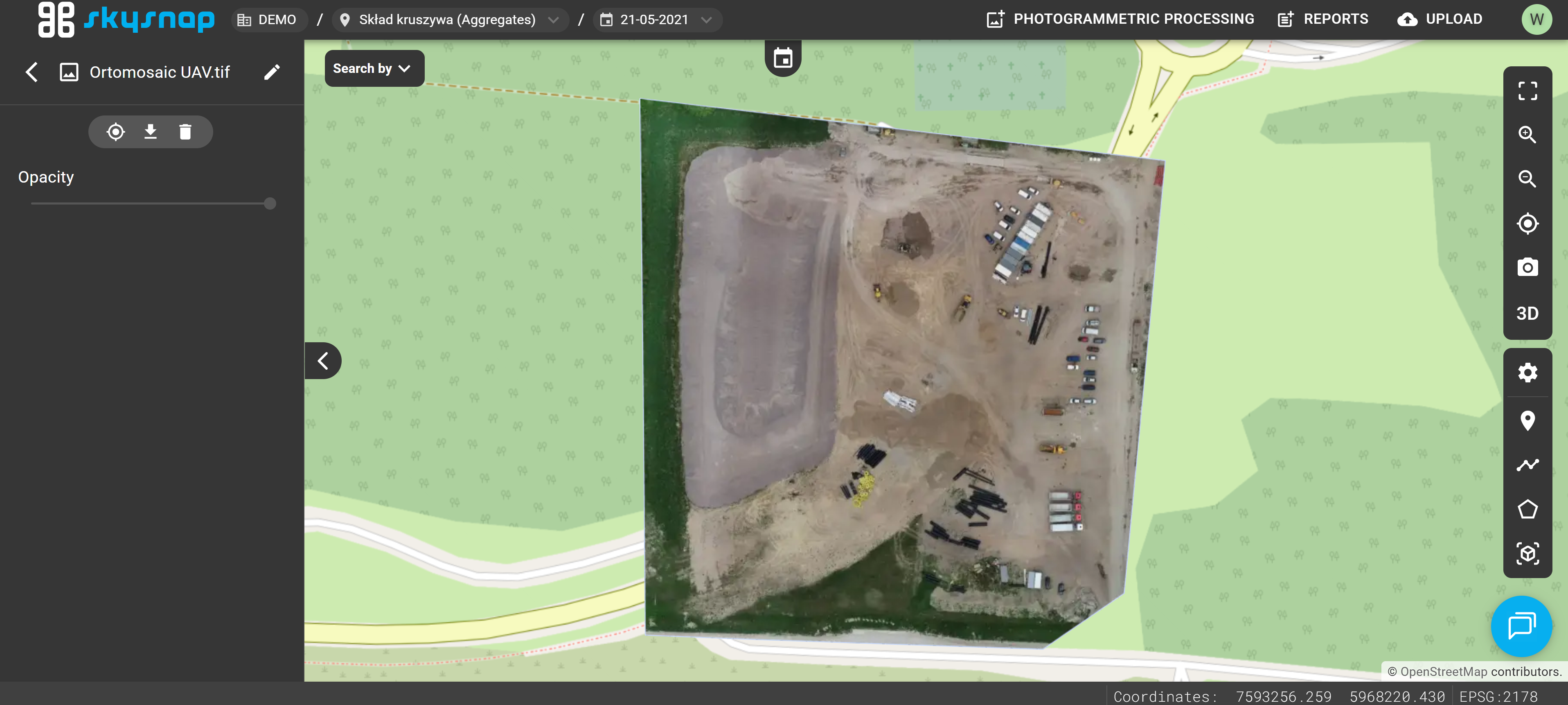
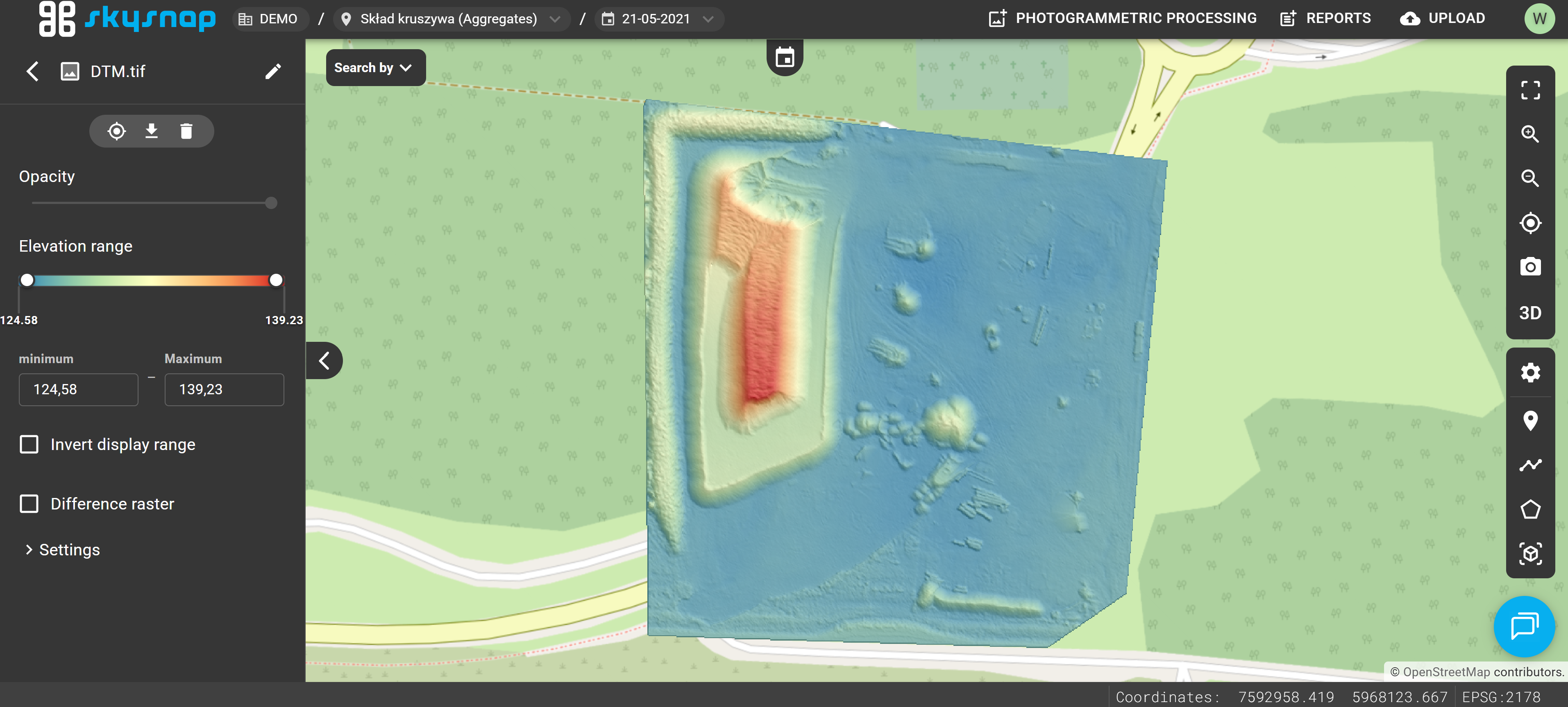
CAD
Allowed formats: DXF.
The file is supported in both 2D and 3D views; however, its visibility is turned off by default every time you enter the project.
NOTE: Before uploading a CAD file, it must be properly prepared by keeping a few important rules in mind:
- The file must fit the coordinate reference system of the investment.
- The extent of the CAD layer should fit within the investment boundaries or slightly exceed them.
- The file should be saved in the correct orientation, meaning a top-down view with the north indicated by an upward-pointing arrow. Tilted files will not be processed correctly.
- The file should not contain external references (Xrefs); all necessary elements must be included within the uploaded file.
For files covering very large area investments (over 2000 ha) and linear investments (over 15 km in length), processing issues may occur. We recommend that the file size should not exceed 300 MB. 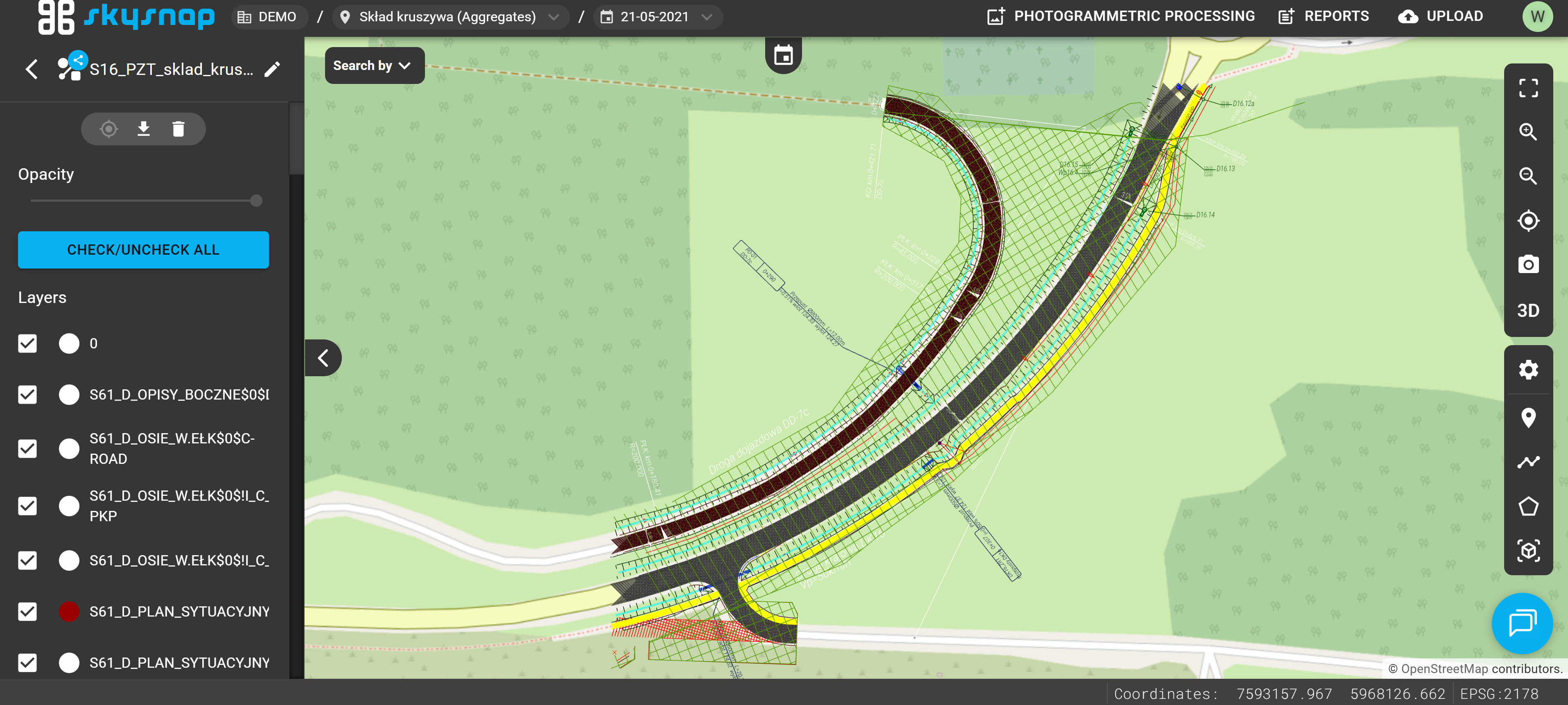
LandXML
Allowed format: XML.
You should select a file representing a surface here (e.g., the designed surface of the site).
ATTENTION: The surface must consist of triangles — these form the basis for generating the elevation raster.
It will be processed into an elevation raster format.
We suggest that the file size should not exceed 50 MB. Exceeding the recommended maximum file size may cause processing issues.
Point Cloud
Allowed formats: LAS, LAZ, E57.
The file can be displayed in the 3D view.
TIP: If you want to use the automatic stockpile detection tool on the point cloud, remember to upload it in the LAS format.
We suggest that the LAS file size should not exceed 25 GB, and the LAZ file should not exceed 5 GB. Exceeding the recommended maximum file size may cause processing issues. 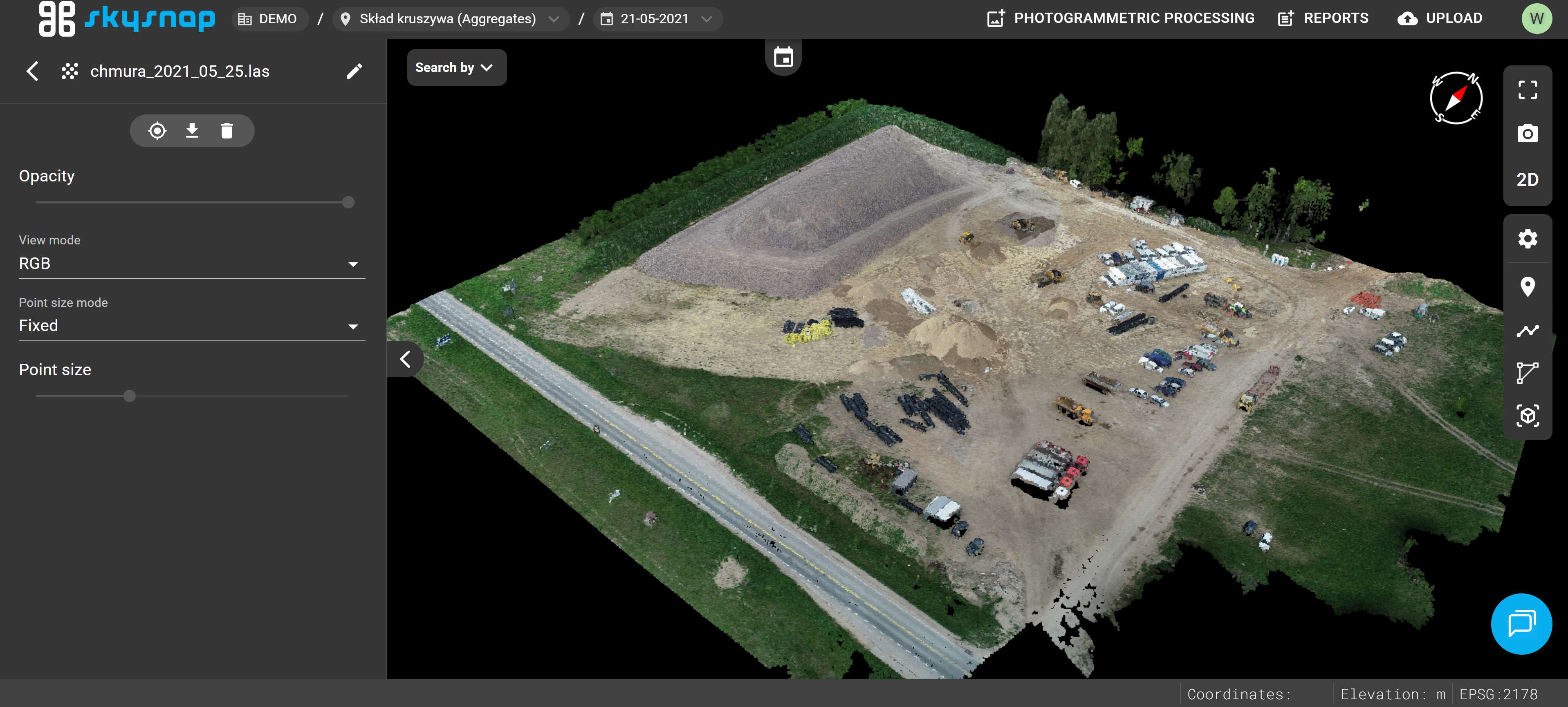
Photos
Allowed formats: JPG, JPEG, PNG, ZIP.
File preview is available in both 2D and 3D views.
IMPORTANT: Photos can only be uploaded at the project level.
ATTENTION: Photos added to the portal must contain geolocation data.
We suggest that the file size should not exceed 50 MB. Exceeding the recommended maximum file size may cause processing issues. 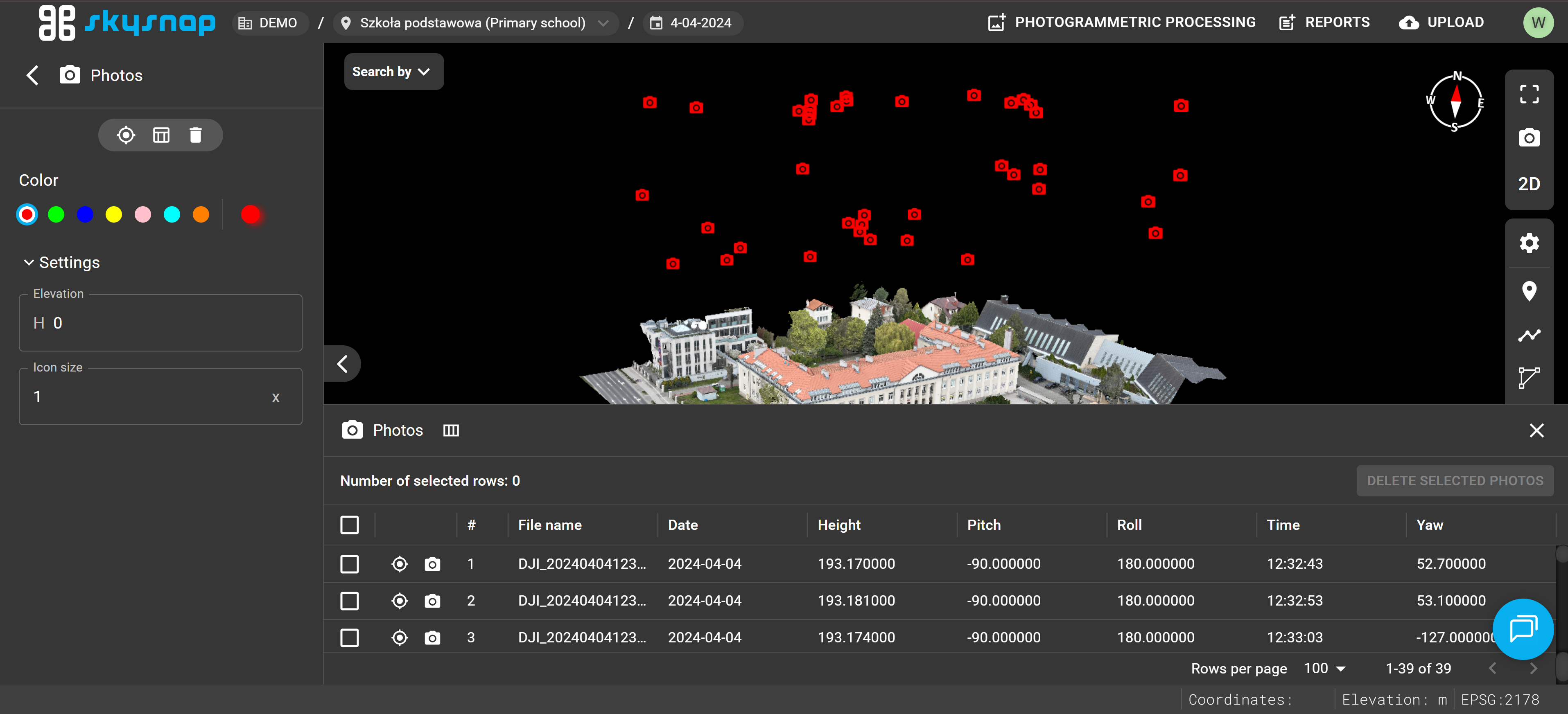
Photos 360°
Allowed formats: JPG, JPEG, PNG, ZIP.
Preview is available in both 2D and 3D views.
IMPORTANT: Photos can only be uploaded at the project level.
ATTENTION: Photos added to the portal must contain geolocation data.
We suggest that the file size should not exceed 50 MB. Exceeding the recommended maximum file size may cause processing issues.
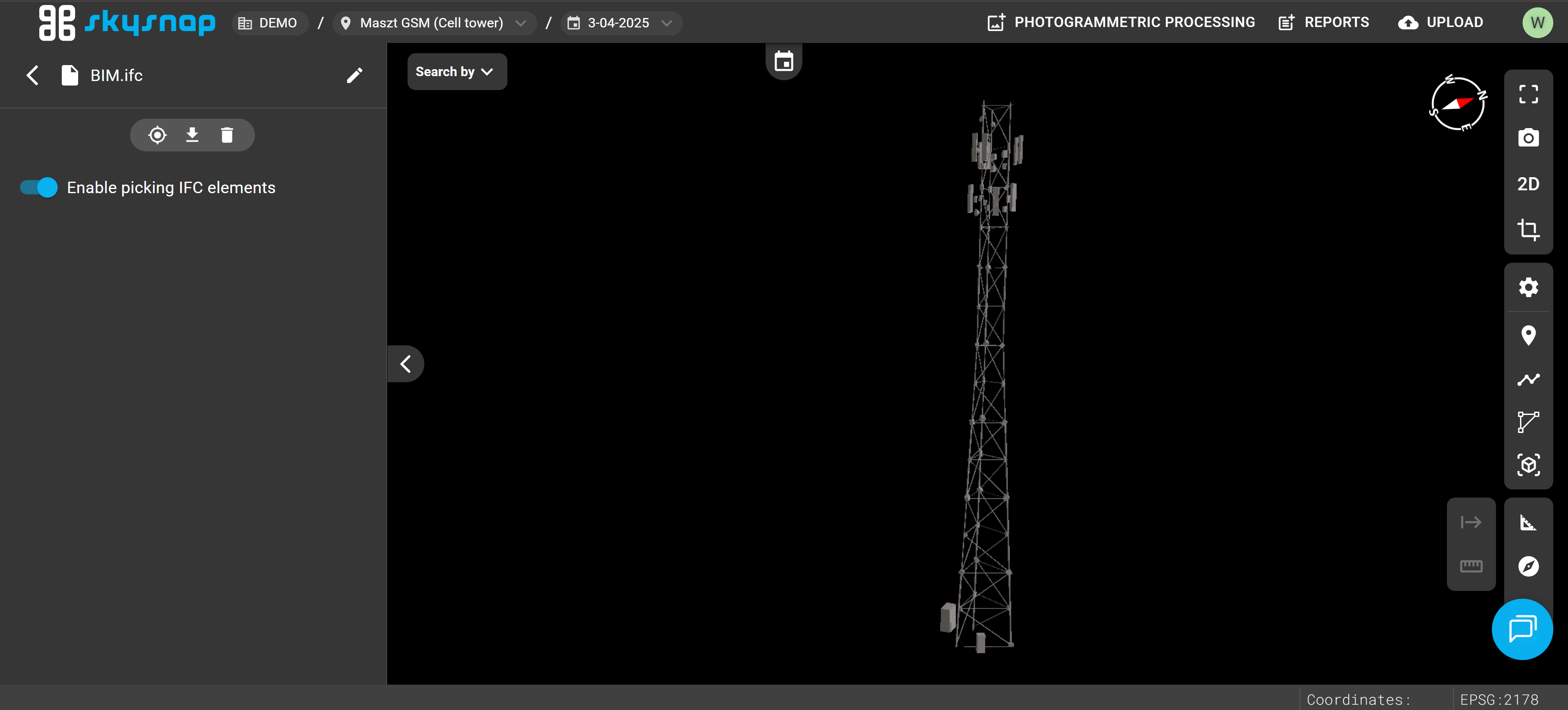
BIM
Allowed format: IFC.
Mesh
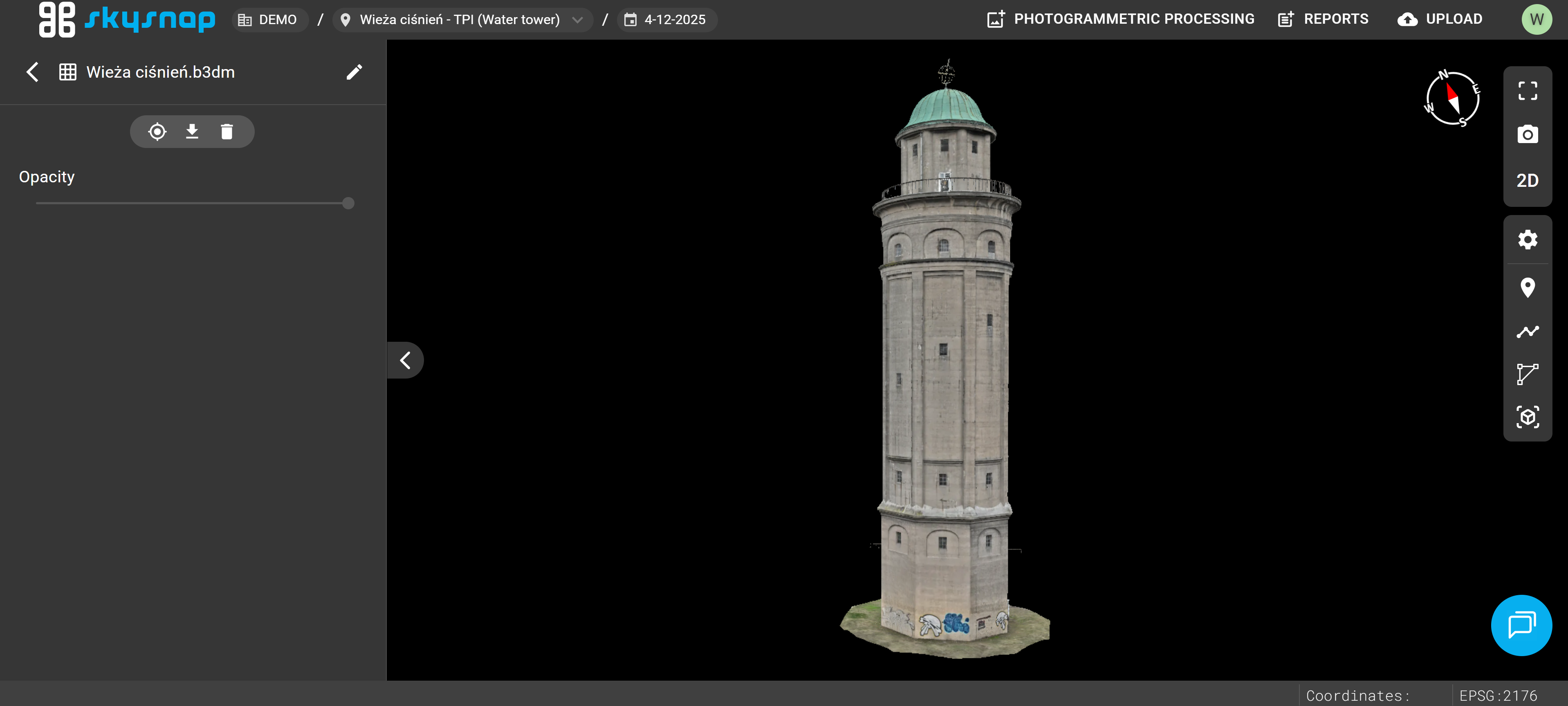
Allowed formats: B3DM and GLB compressed into ZIP, and 3TZ.
The file can be displayed in the 3D view.
IMPORTANT: Meshes can only be uploaded at the project level.
TIP: If you have a .3tz file, please contact us at app@skysnap.com — we will process it so it can be placed on the portal.
The mesh model should be prepared in the coordinate reference system of the investment so that it can be correctly positioned within the project. Before uploading, make sure the file was correctly exported and contains all necessary geometric data and textures.
For larger and more complex models, processing times may be extended. We suggest that the file size should not exceed 500 MB. Exceeding the recommended maximum file size may cause processing issues.
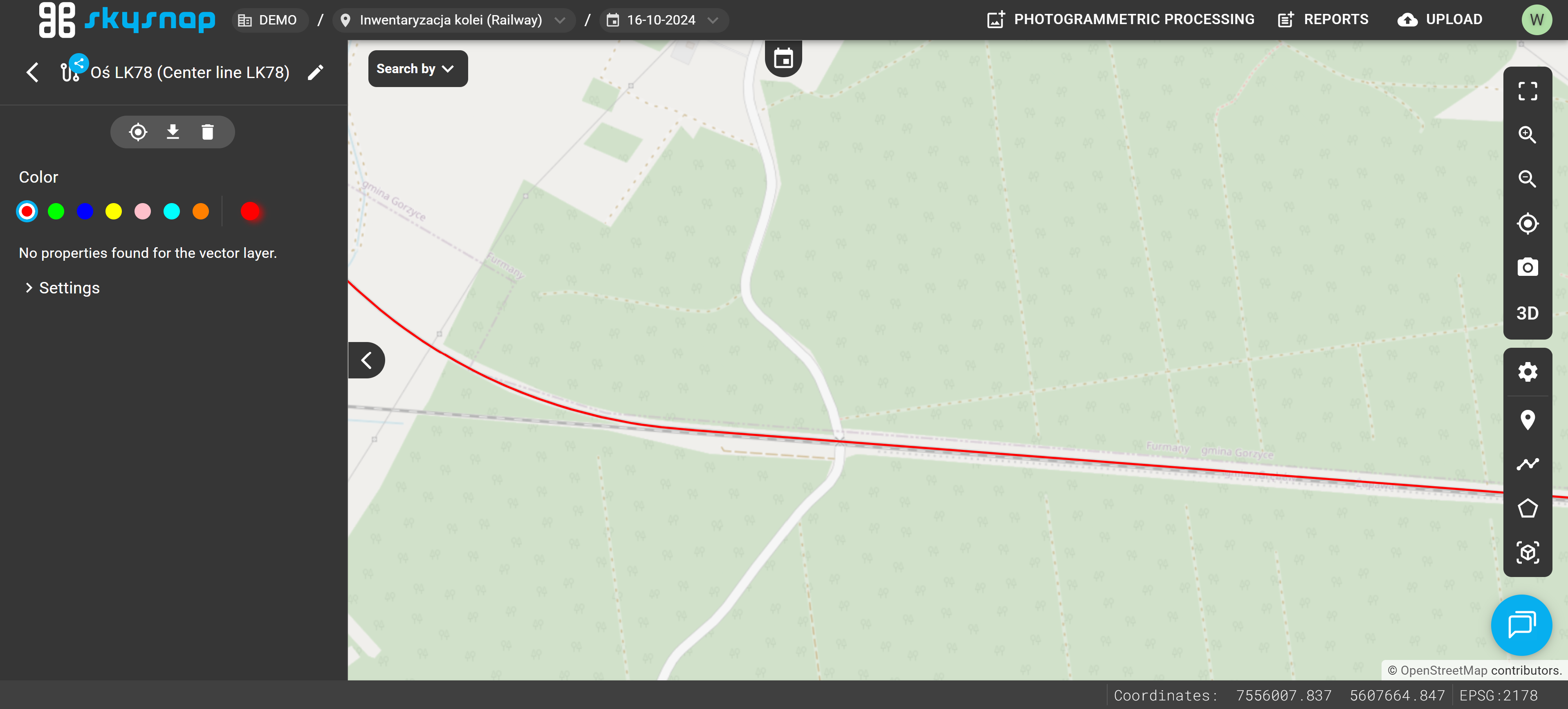
Mileage
Allowed formats: GeoJSON, KML, SHP (component files compressed into a ZIP archive).
This should be a vector file representing the single axis as a line feature.
ATTENTION: The file must contain an attribute named "start" with the initial chainage value filled in. This attribute can, for example, take a value like "0" or "10+350".
IMPORTANT: Proper file preparation is essential for the correct operation of automations such as:
Mileage will be calculated from the beginning of the linear feature, following the direction of the line to its end.
The chainage will be calculated from the beginning of the linear feature along the direction of the line to its end. We suggest that the file size should not exceed 50 MB. Exceeding the recommended maximum file size may cause processing issues.
If you are interested in using the chainage feature, please contact us at app@skysnap.com, and we will help you prepare the centerlines files in the correct format.
Example of Uploading Data to the Portal
TIP: Remember, that you can upload data only in project view.
Once the correct file is selected, it will appear on the list.
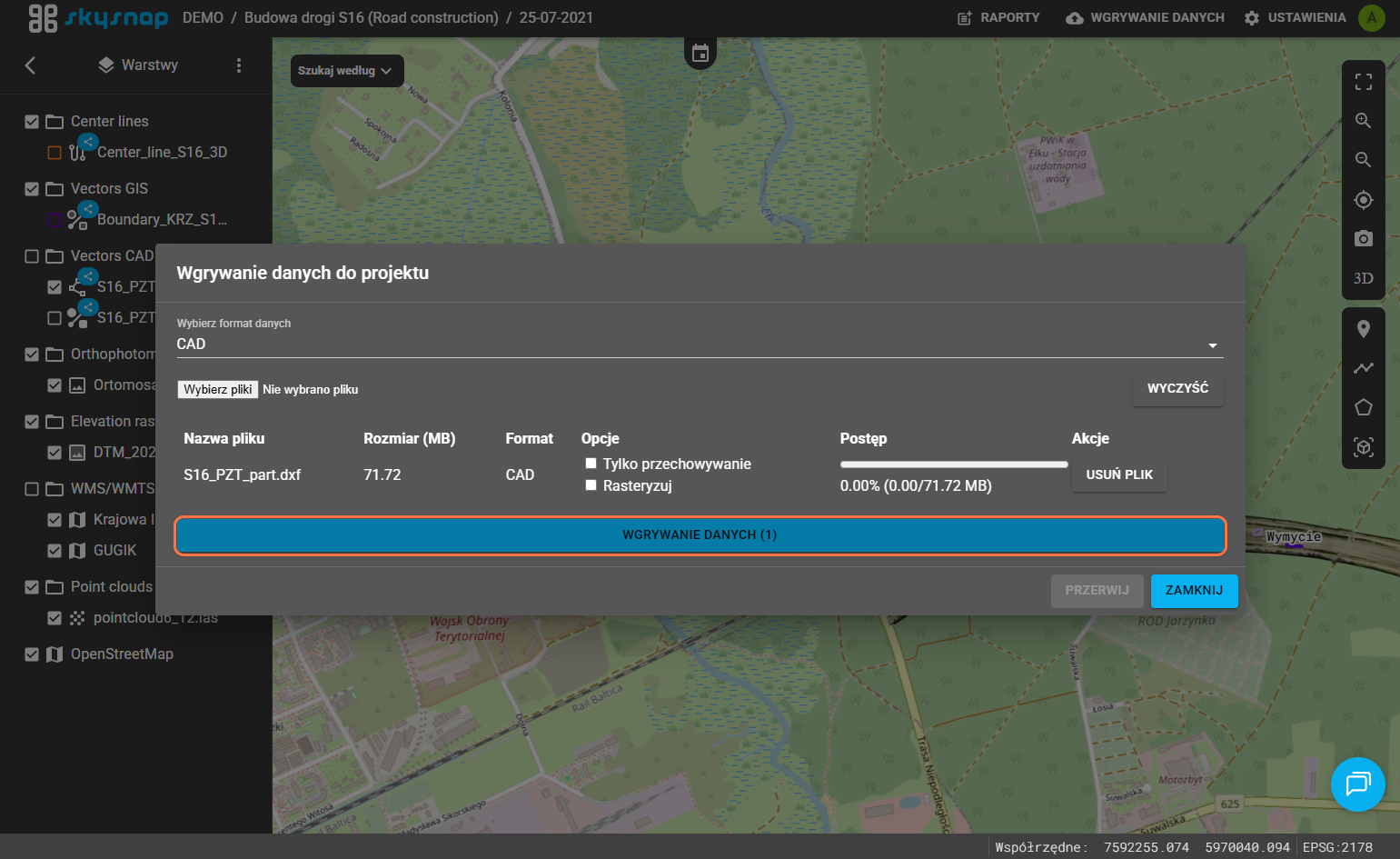
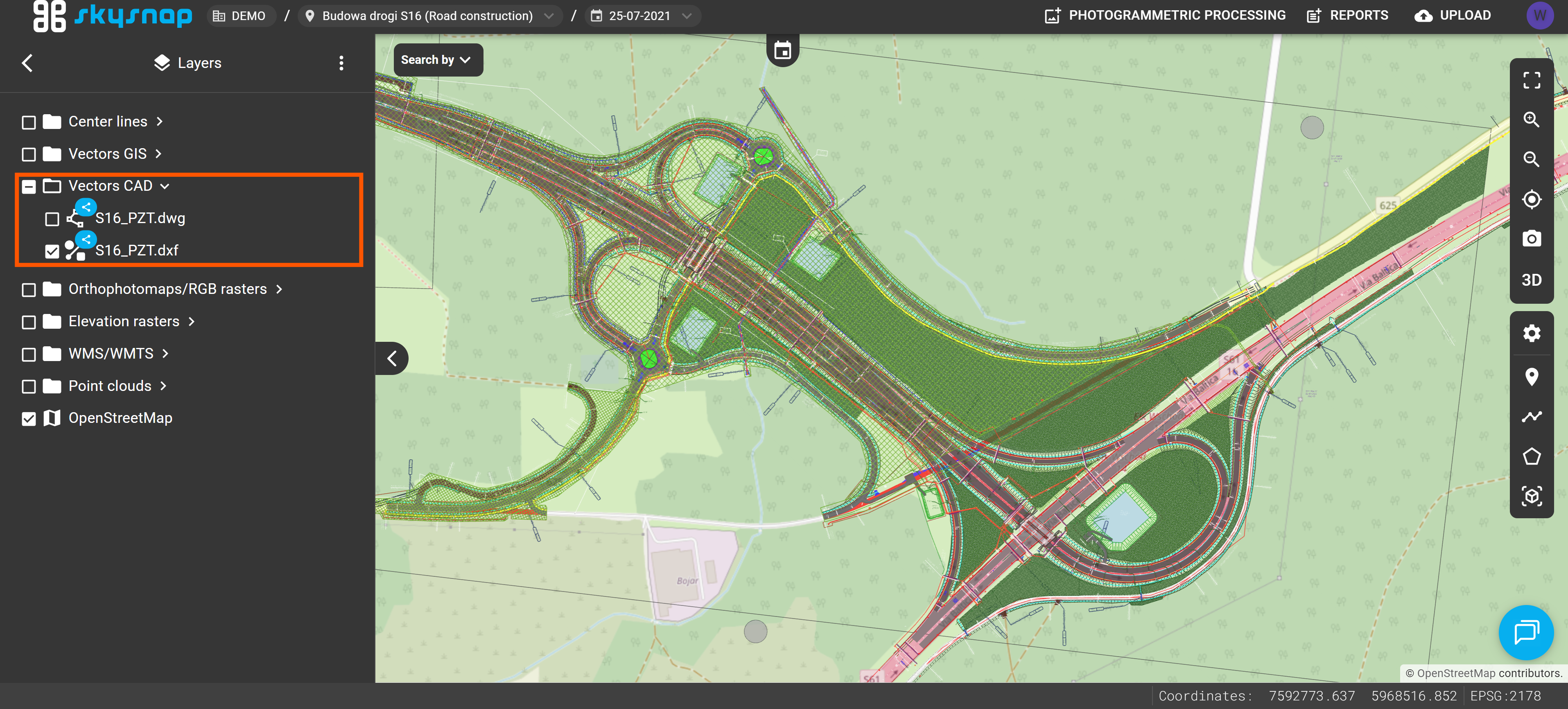
ATTENTION: If the data has been imported but you still cannot see it in the project, it may mean it is still being processed. The processing duration depends on the type and size of the data. For data covering an area of a dozen or so hectares, this process takes a few minutes. You will be notified via email about the import status.
DXF format. This layout allows for quicker navigation through the project and easier retrieval of the required layers.