Table of Contents:
When creating a new site on the SkySnap portal, it is required to specify its type. Currently, two types are available: Construction and Telecom.
The selected site type defines the availability of portal functionalities, including automations and measurement tools. This ensures that the workspace is precisely tailored to the specific nature of the project – different features support monitoring a construction site, while others assist in the inventory and analysis of telecommunication structures.
If you need to change the site type after it has been created, you can do so at any time from the organization view (the main dashboard in the portal).
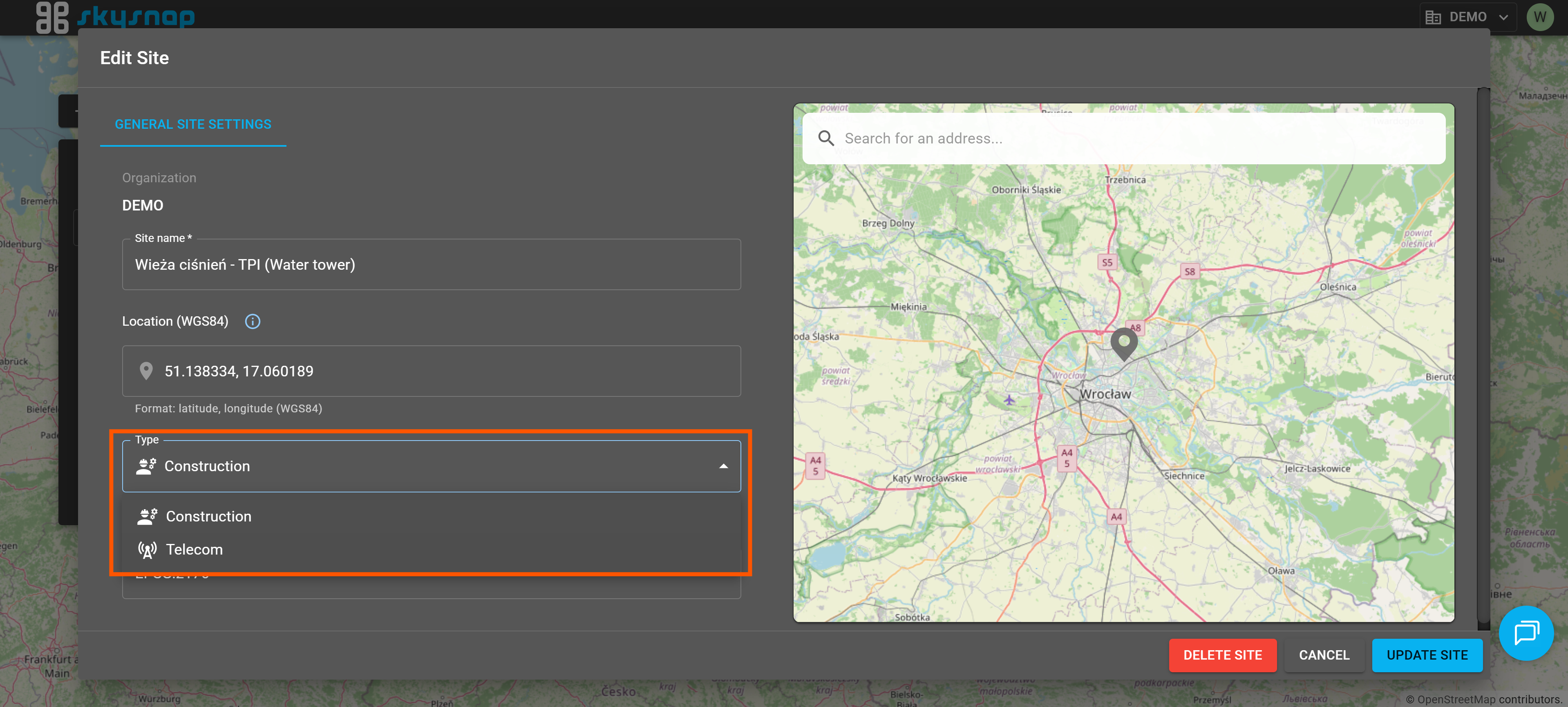
TIP: Not sure or don't remember how to change the site type? Check out the article on editing and managing site users.
Changing the type will automatically switch the available toolset to the one appropriate for the selected site type.
Below, you will learn which features are available for each specific site type.
Construction
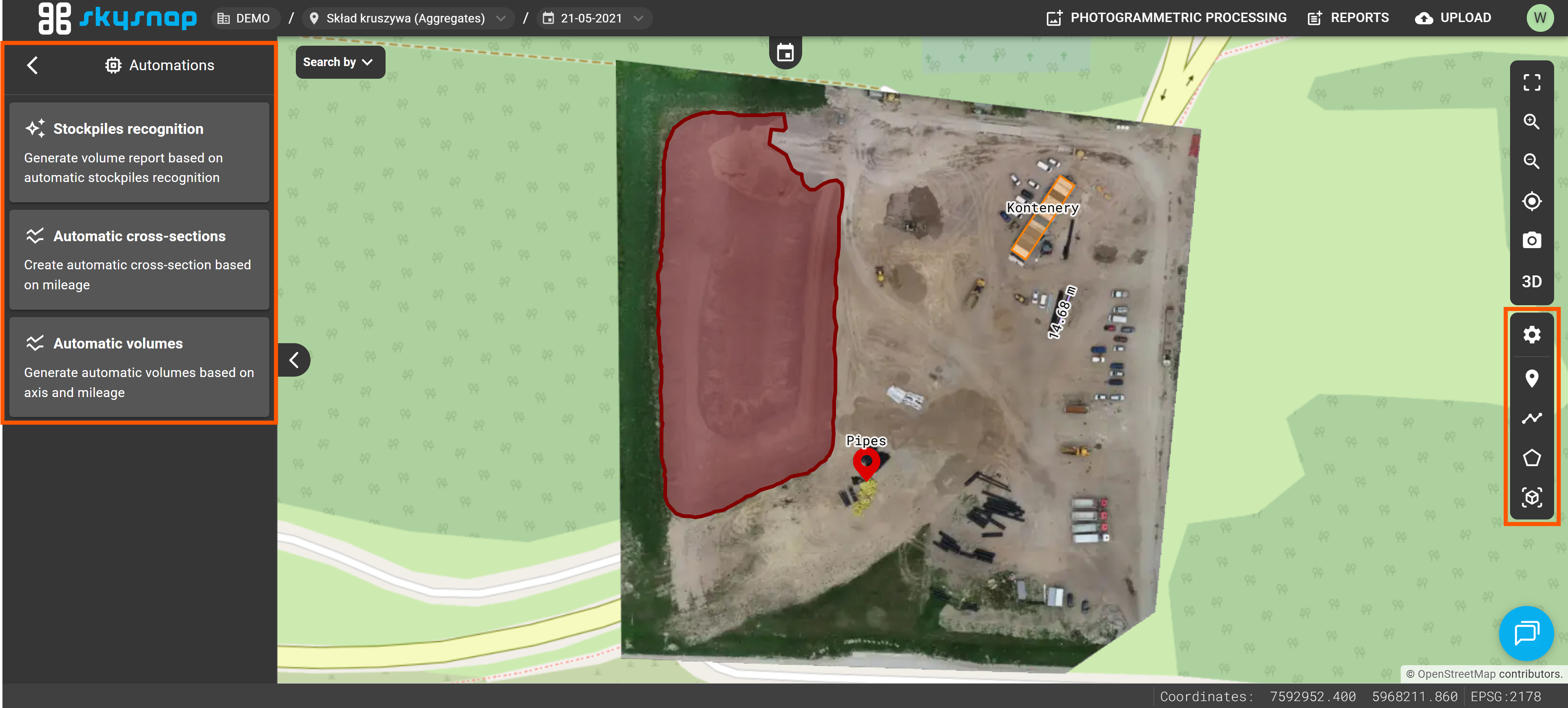
For sites categorized as "Construction", features are available to support daily workflows on the job site, including progress monitoring, terrain analysis, and performing precise measurements.
Within this site type, users can utilize automations that include:
- Stockpile detection
- Automatic cross-section generation
- Automatic volume calculation between chainage stations
These features can be found in the "Automations" tile located in the left side panel.
Measurement tools are also available, such as:
- Placing pins
- Distance measurement
- Area measurement
- Volume measurement
All of these features are accessible from the toolbar on the right side of the interface.
TIP: A detailed description of automations and tools available for "Construction" sites can be found in the following articles:
Telecom
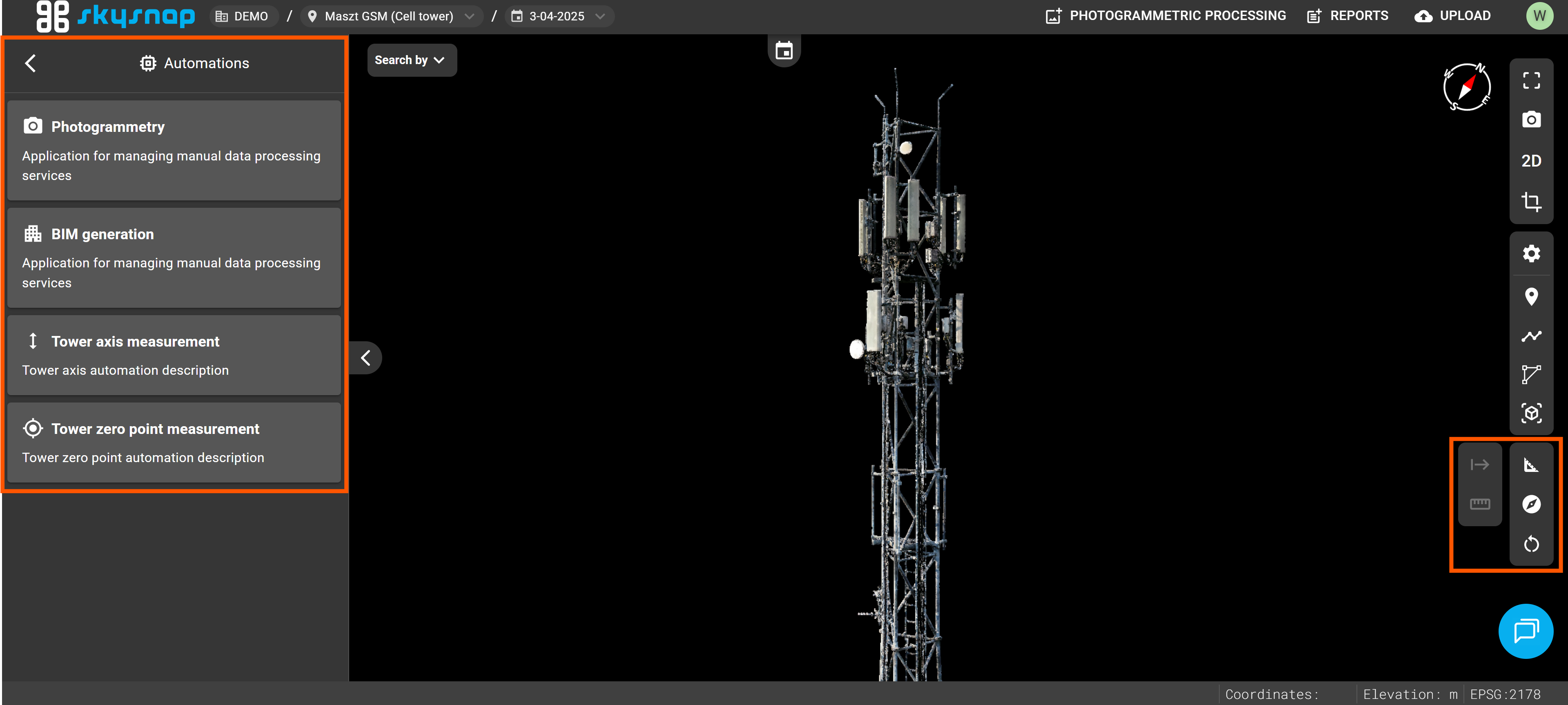
For sites categorized as "Telecom", features are available to support inventory, documentation, and the analysis of telecommunication infrastructure.
Within this site type, users can utilize automations that include:
- Automatic photogrammetry
- Automatic BIM generation
- Automatic tower axis measurement
- Automatic tower base point (zero point) determination
TIP: A detailed description of automations available for "Telecom" sites can be found in the following articles:
These features can be found in the "Automations" tile located in the left side panel.
Additionally, dedicated 3D measurement tools exclusive to this site type are also available. These are:
- height measurement,
- azimuth measurement,
- tilt/slope measurement,
- azimuth measurement between axis and point,
- verticality measurement.
TIP: A detailed description of tools available for "Telecom" sites can be found in the article: Telecom | Performing Measurements.
These features can be accessed from the toolbar visible on the right side of the interface.