Table of contents:
Refreshing vectors after attribute-based filtering
Adjusting 3DGS window resolution when resizing
Improvements
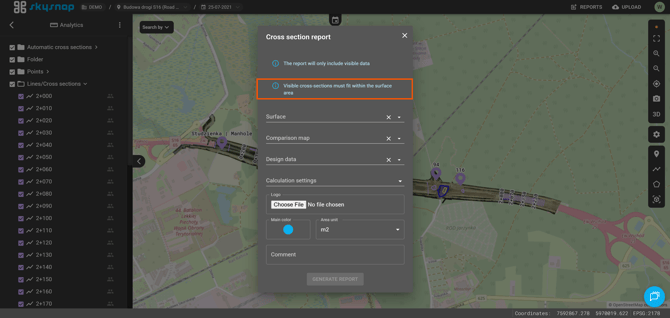
A message has been added to the terrain cross-section report generation form to explain the requirements for creating the report. All visible cross-sections must be located within the area of a single surface. If none of the surfaces meets this requirement, another relevant message will be displayed.
Adding measurements in the mobile version
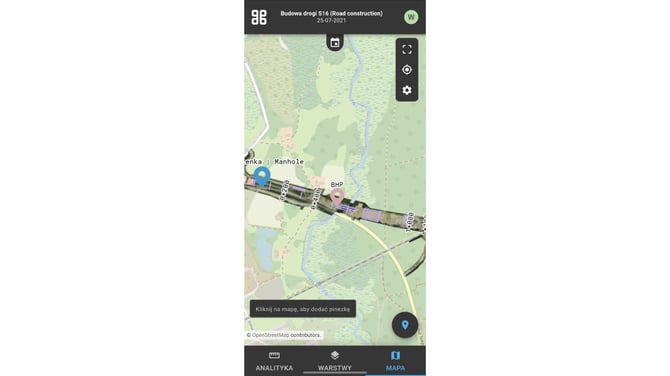
The appearance of the pin-adding button in the mobile version has been standardized. The highlighting of the active tool now matches the state known from the desktop version of the portal.
Optimization of photo interactions in the 3D view
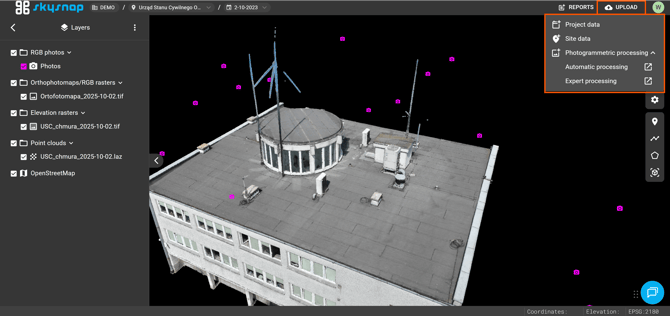
An interaction delay has been introduced to prevent accidentally opening photo previews while rotating the 3D view in projects with a large number of photos.
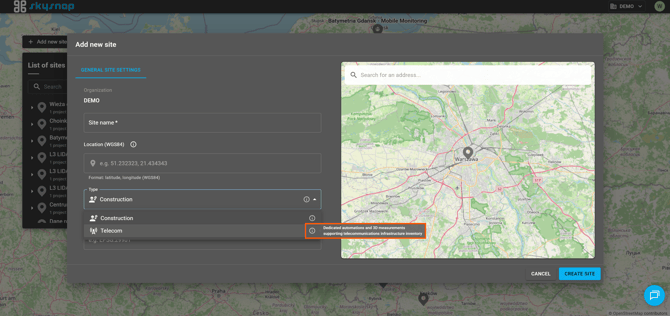
Investment type guidance
Information icons (“i”) have been added next to each investment type in the investment add and edit panel. Hovering over them displays a message explaining how the selected investment type affects the project’s functionality.