Table of contents:
Interactive bar for the viewed site and project
Displaying a raster as a differential raster
New portal languages – Spanish and Portuguese
Automatic volume calculation between chainage cross-sections
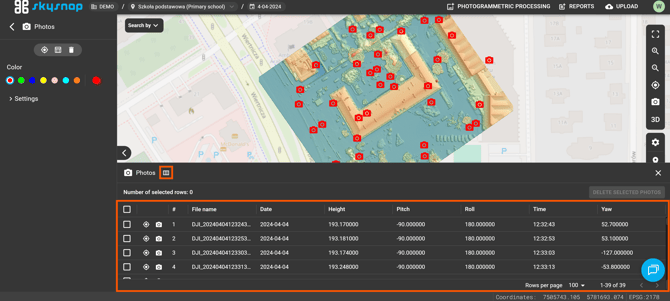
Default columns in the photo table
Change of selection indicators in lists
Optimization of the portal homepage loading
Improvements
A new interactive bar has been added to enable faster switching between projects within a given site and between locations themselves. This solution was introduced to make navigating the portal easier and more efficient. The building icon indicates the organization, the pin indicates the location, and the calendar indicates the project.
Reorganized user tables
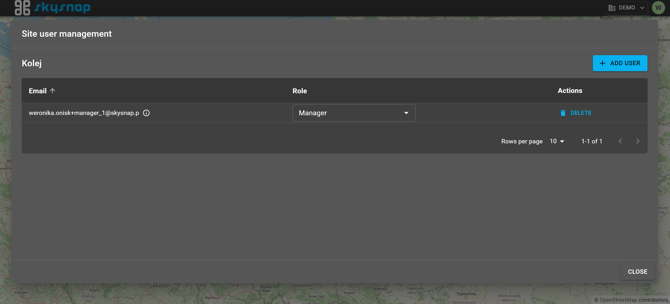
The organization and site user tables have been reorganized. This change has made user management easier, and the tables are now more readable and functional thanks to sorting.
Displaying a raster as a differential raster
The ability to show an elevation raster as a differential raster has been added, along with customizing the legend to reflect its display. Users can manually change the height ranges assigned to specific colors or define their own ranges. To activate this feature, go to the properties of the height raster layer and select the "Differential raster" option in the panel.
New portal languages – Spanish and Portuguese
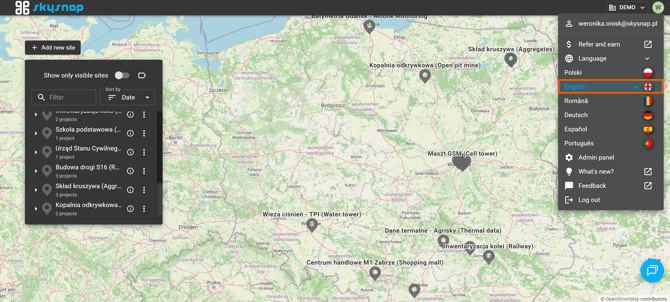
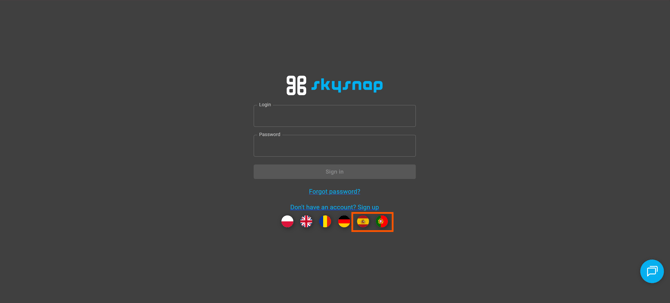
The list of supported languages has been expanded. Spanish and Portuguese have been added to the portal, making the system easier to use for users from more parts of the world. You can change the language in your profile settings by clicking the avatar in the top-right corner of the interface.
Automatic volume calculation between mileage cross-sections
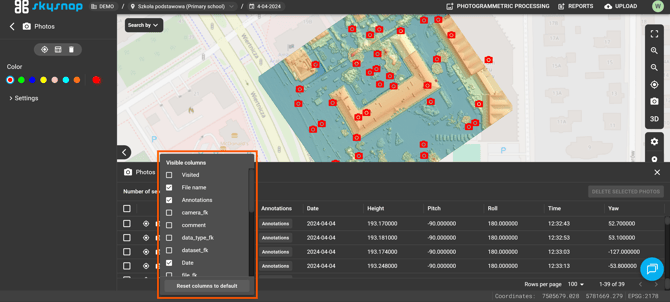
Change of selection indicators in lists
The appearance of selected items in interface lists has been updated. Selected elements now feature blue highlighting and checkmark icons, making settings and selections clearer and more unambiguous.