
Table of Contents:
Account activation
If you want to see how the SkySnap portal works, you don't need to purchase access right away. Simply register on the website to explore its interface and available features. It’s a convenient way to see how our portal supports your work with data and projects before making a decision.
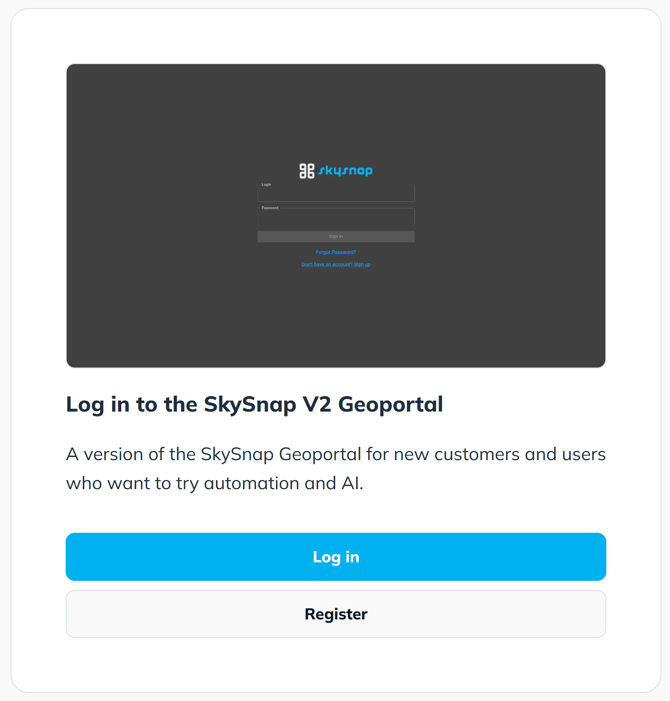
To gain access, register by clicking: SIGN UP and follow the steps below.
1. Go to the portal website.
2. Fill out the form.
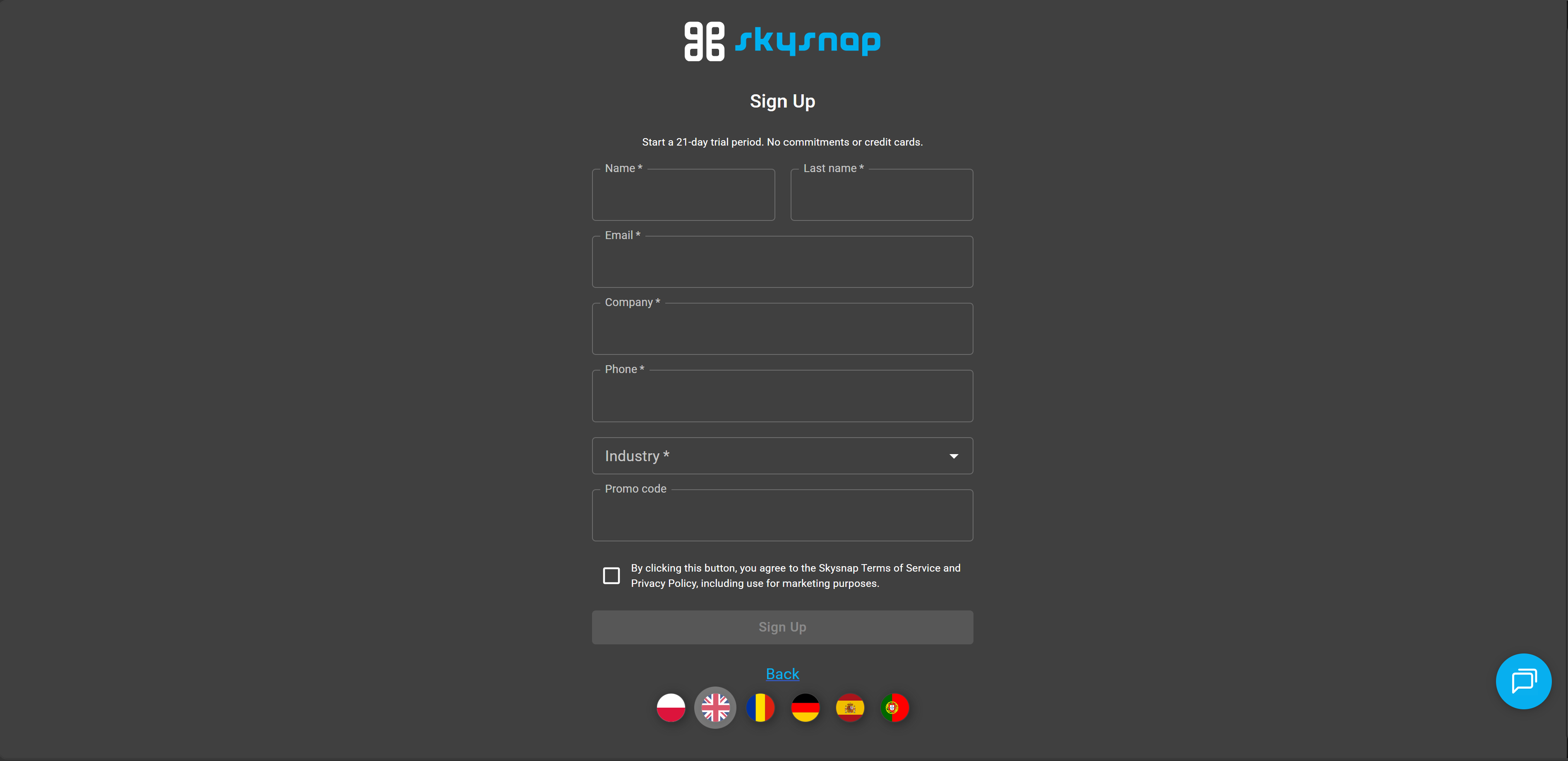
NOTE: In the registration form, you need to specify your company's industry. The following options are available:
- Drone Service Provider (DSP)
- Real Estate
- Local Government
- Insurance
- Surveying & Geodesy
- Mining & Quarries
- Waste Management
- Earthworks
- Aggregates
- General Contractors
- Designers / Architects
- Investment Supervision
- Renewable Energy (RES)
- Telecommunications
- Students
- Education & Associations
- Industry Media
- Distributors
- Other
Information about your company's industry helps us better tailor the portal's features to our users' needs.
3. After successful registration, you will receive an email with a link to activate your account on the portal.
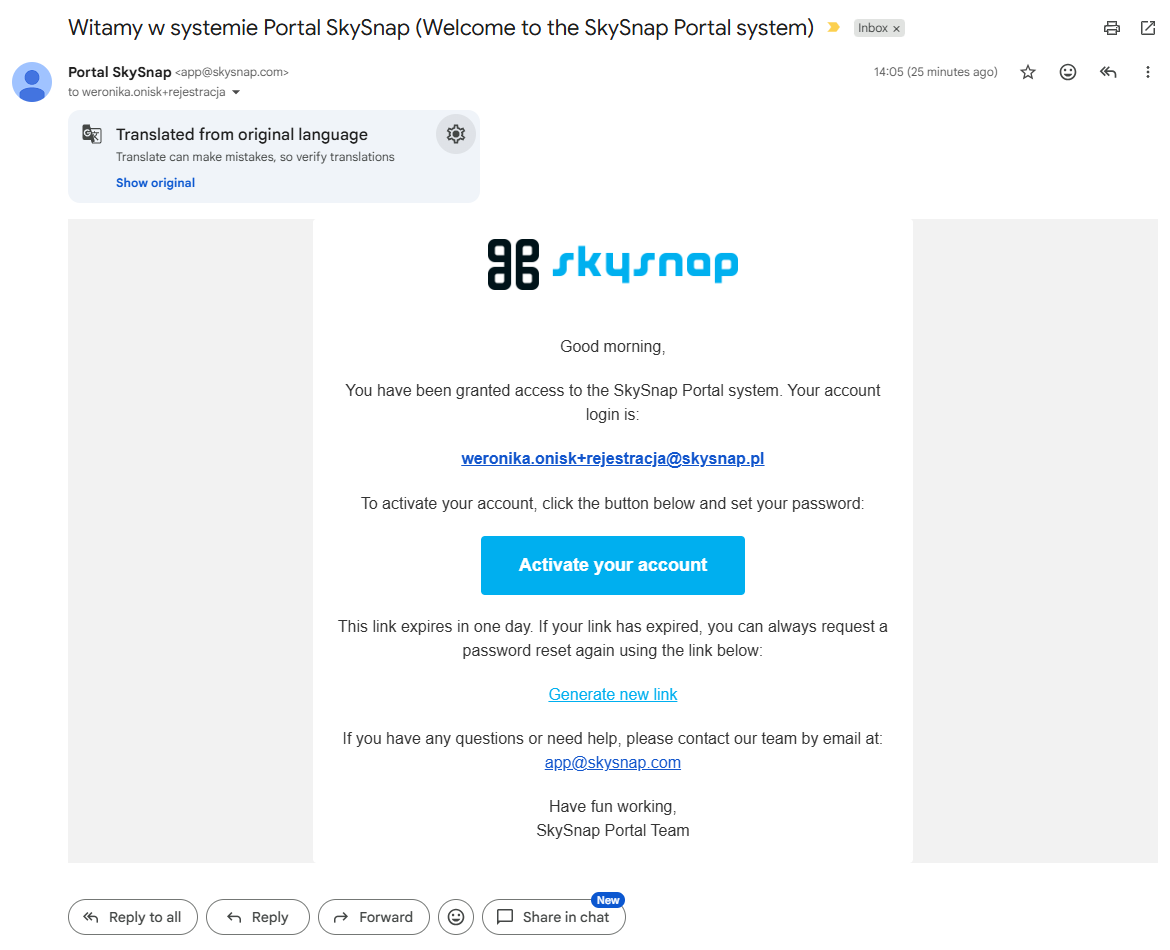
4. Click the blue "Activate your account" button.
5. Set your password.
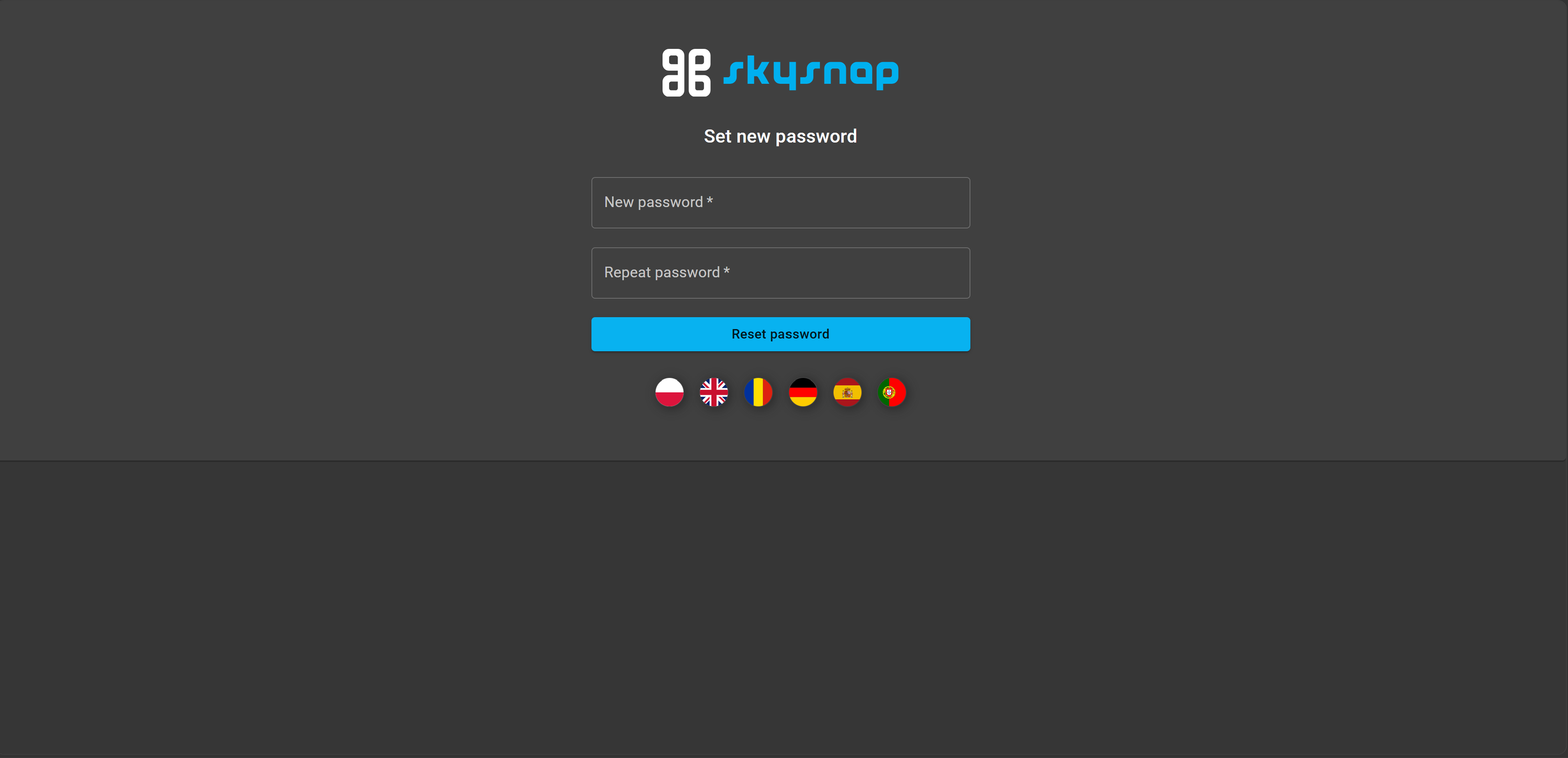
You will be asked to set a password that you will use to log into the portal. After filling in the fields, click the "Reset password" button.
Logging in
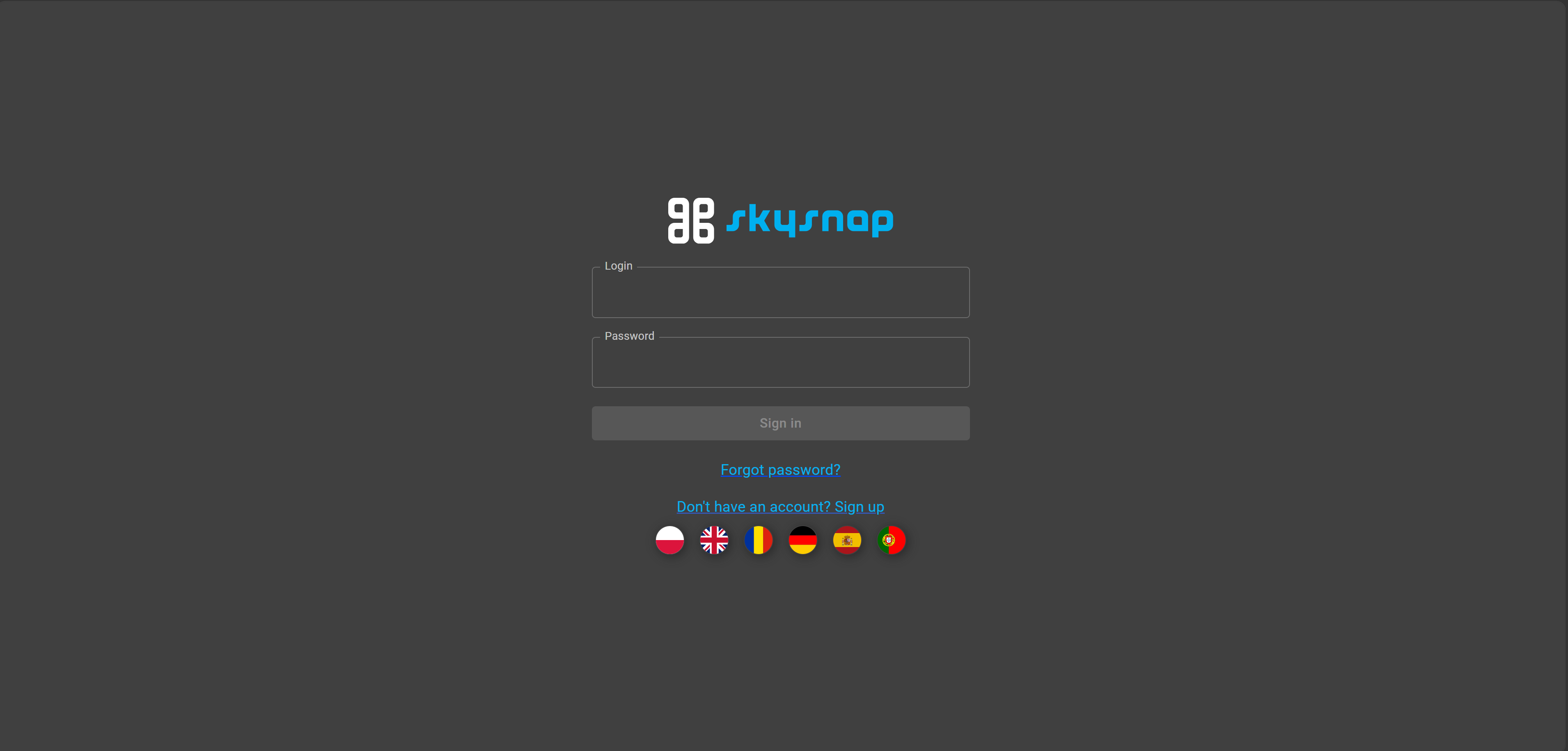
TIP: If you were not redirected to this page, click LOG IN.
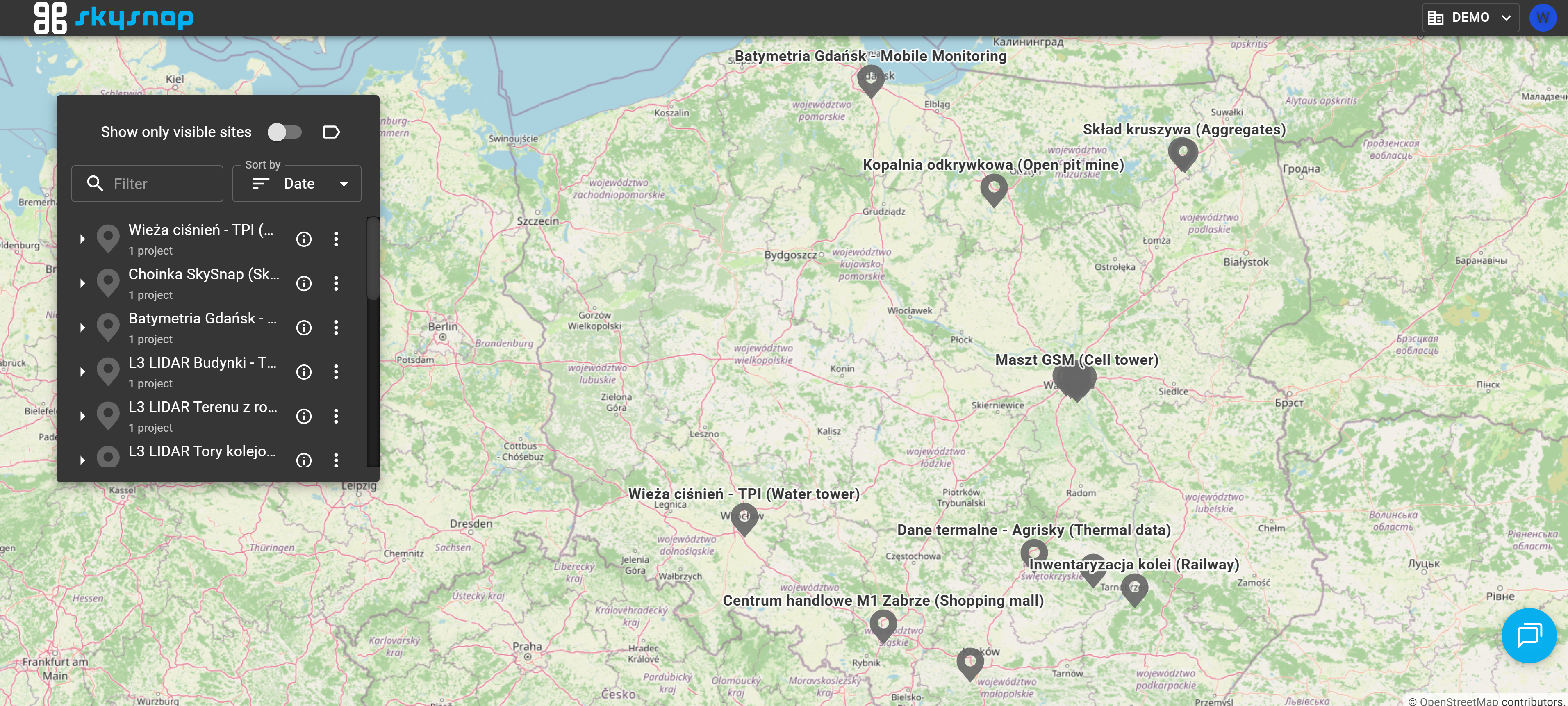
Available organizations
By default, you have access to two organizations:
-
„DEMO" organization — here you can browse demo projects and see how the geoportal works without having to upload your own data.
-
„[TRIAL] {Your Company}" — your private workspace, accessible only to you.
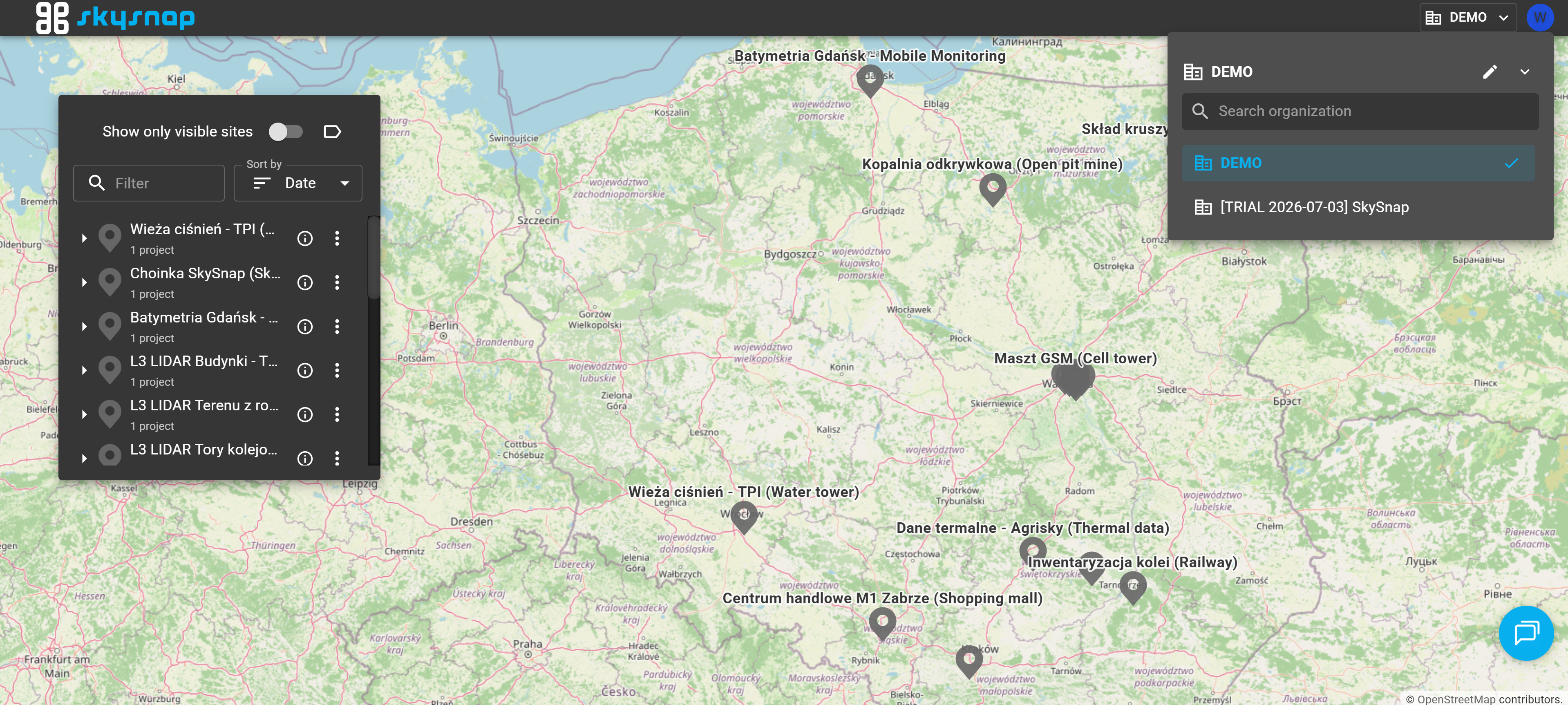
ATTENTION: You have limited permissions within the "DEMO" organization.
ATTENTION: The "[TRIAL] {Your Company}" organization expires 21 days after the account is created.
"DEMO" organization
"DEMO" Organization is our dedicated demo environment where you can explore the full potential of the SkySnap platform free of charge. Within this organization, we have provided over a dozen industry-diverse sites featuring ready-to-use projects that include all of our supported data types. This allows you to experience firsthand how intuitively you will be able to manage your own projects in the future.
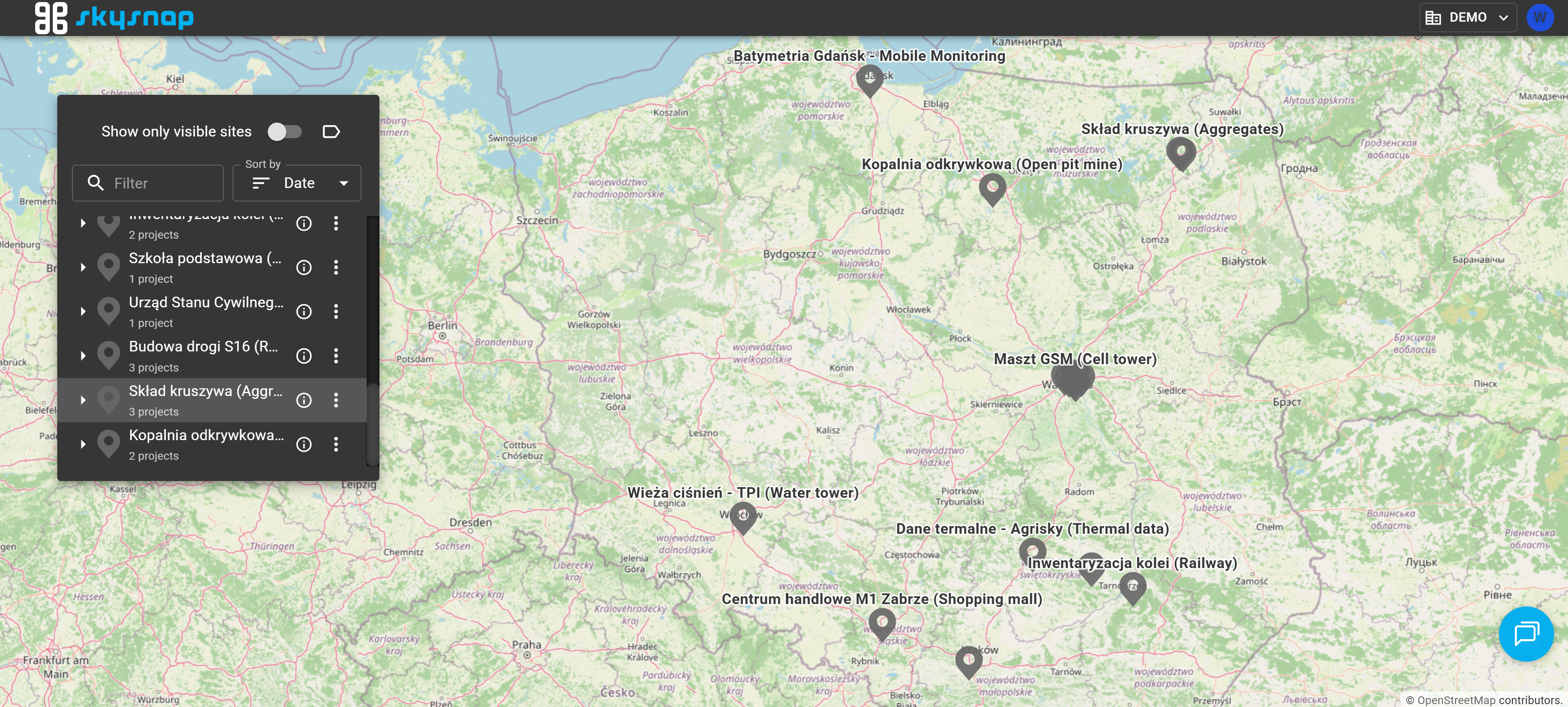
Within the "DEMO" organization, you have access to sample sites, including:
-
Budowa drogi S16 (S16 Road Construction) — road construction monitoring, orthomosaic, point cloud, design model.
-
Kopalnia odkrywkowa (Open-pit Mine) — two drone datasets from different dates (earthworks).
-
Skład kruszywa (Aggregate Stockpile) — photogrammetric projects, a base for volume calculations.
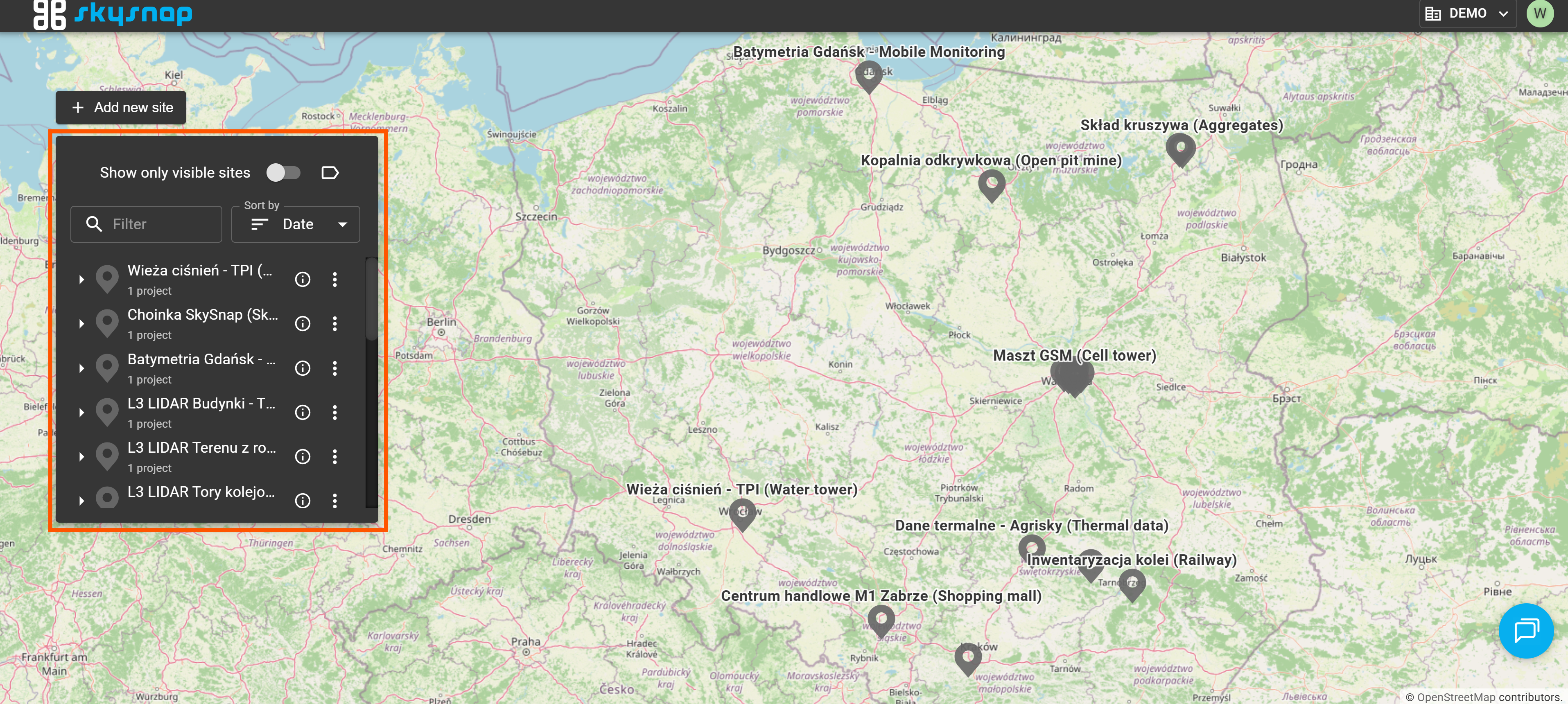
Exploring a sample site
Explore your selected site by following the steps below.
1. Click on the name of a site to open it.
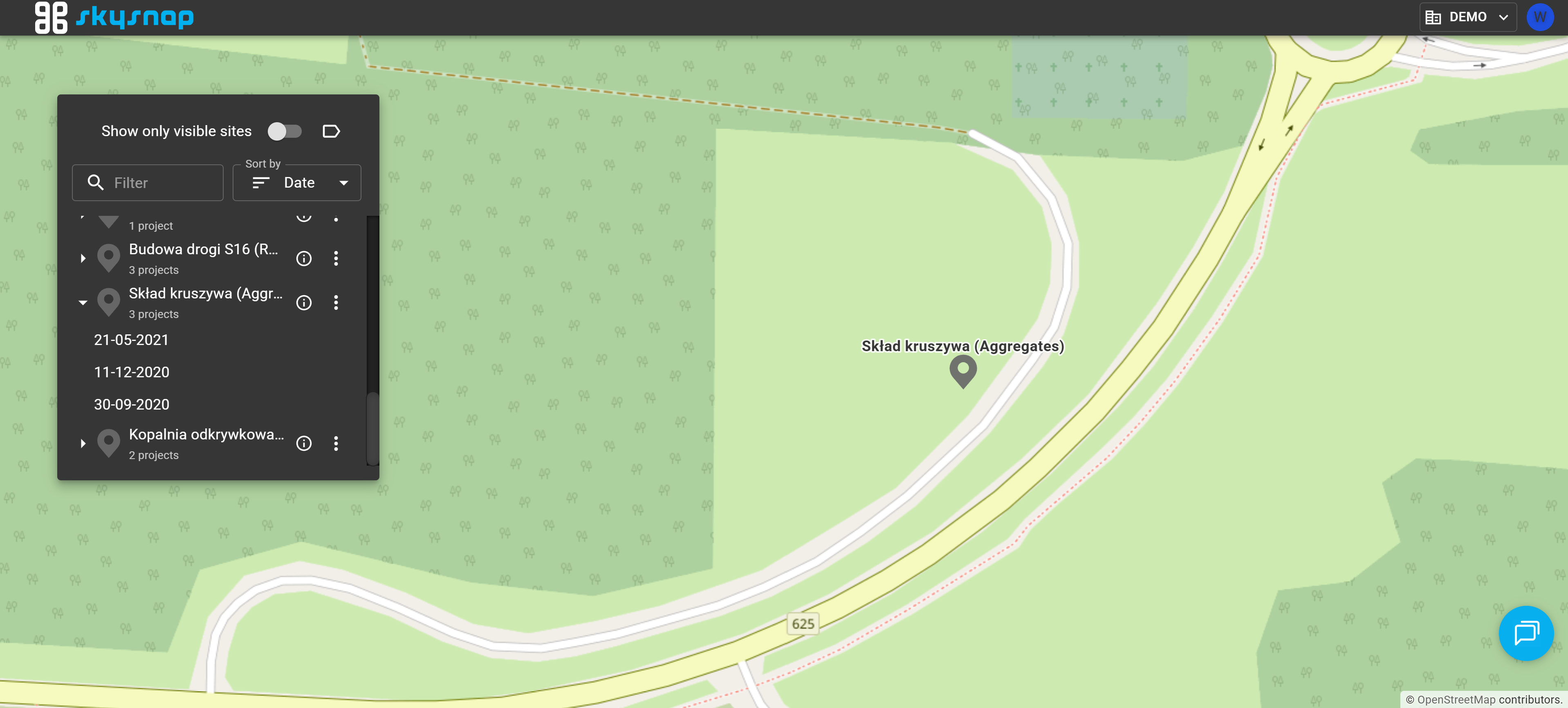
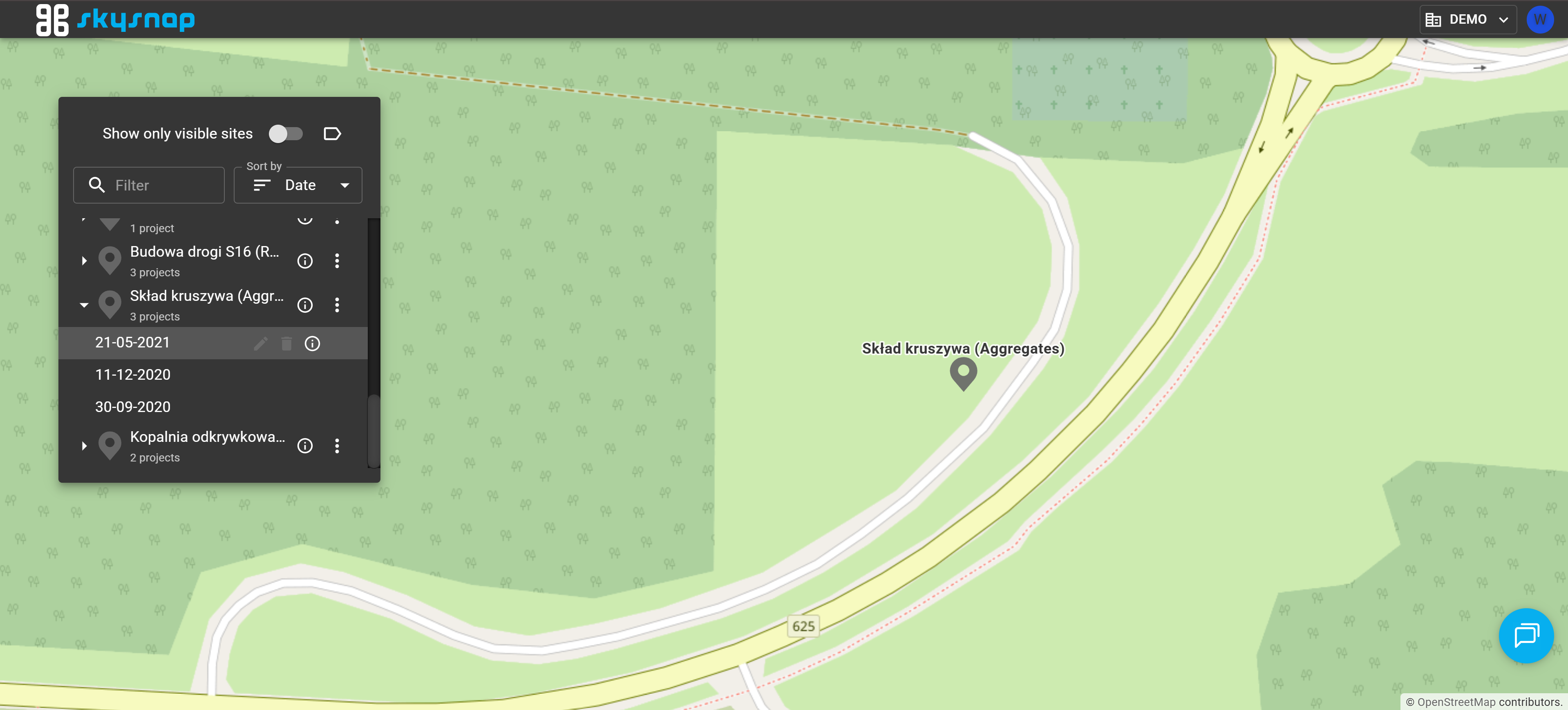
2. Select a project to open it.
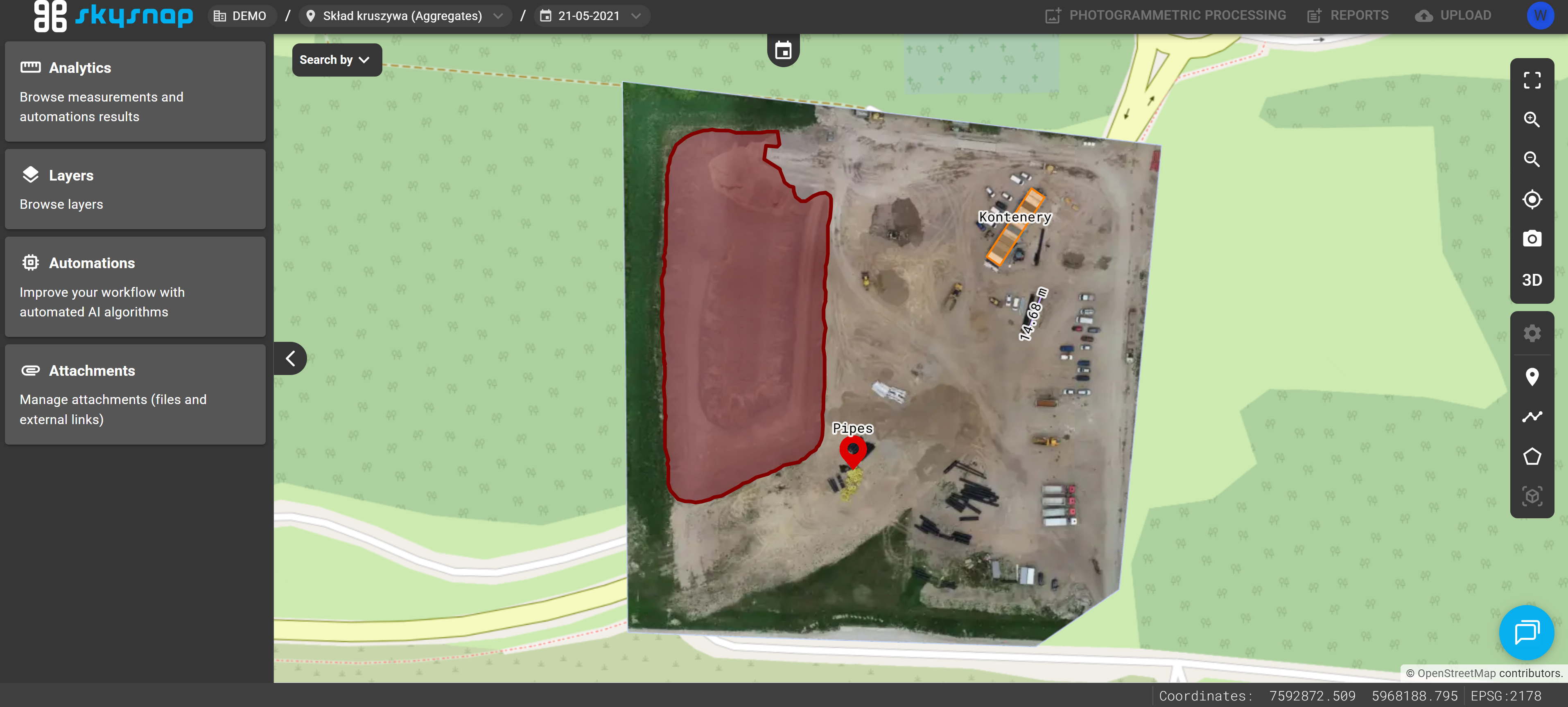
3. The project view will open — here you can browse and analyze imported data: orthomosaics, point clouds, 3D models, measurements, and other layers.
TIP: We encourage you to read the article about the portal's interface, which explains its key views and elements.
"TRIAL" organization
This organization is initially empty and serves as a sandbox environment for the user. You can freely upload your own data here and test all available features.
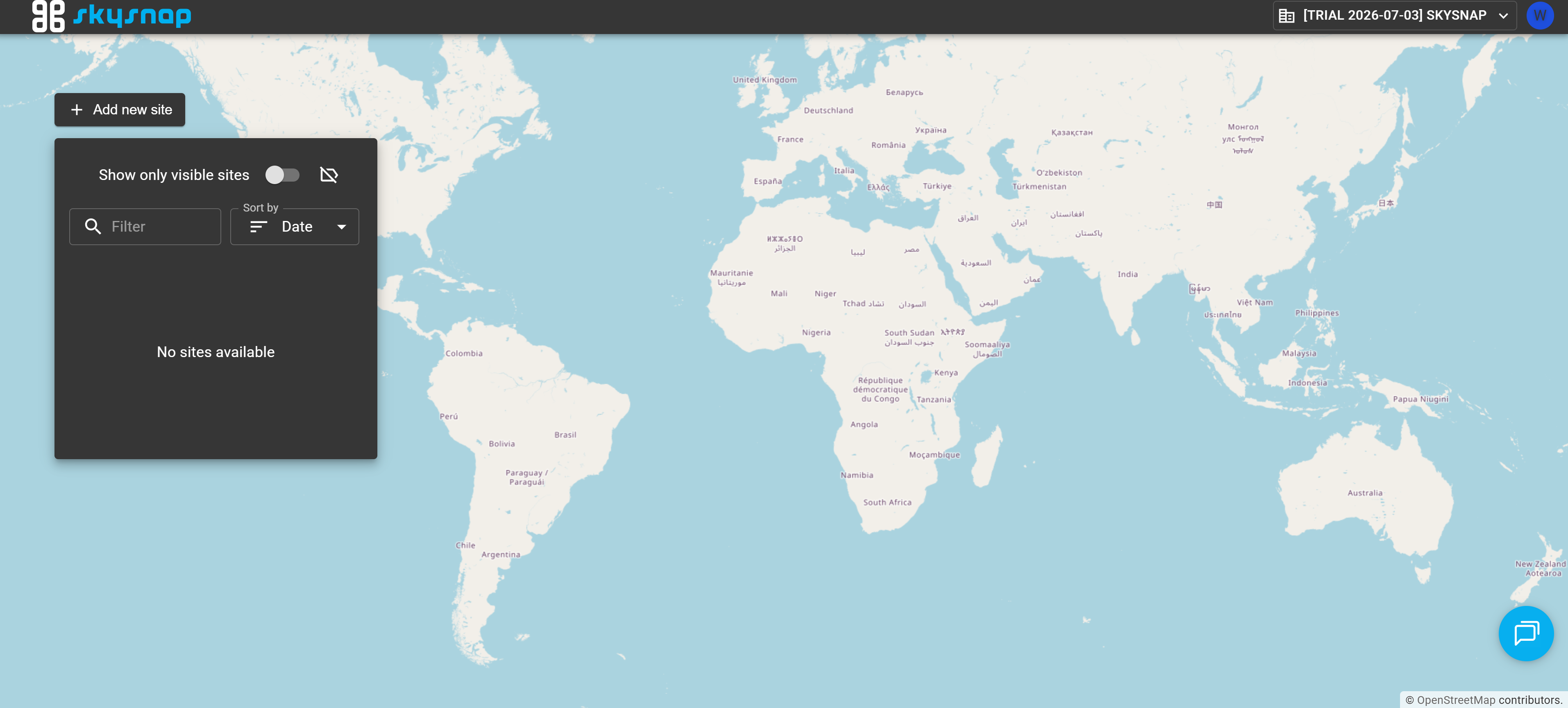
TIP: To smoothly start working in your test workspace, please read the basic guide articles first: